Table of contents
- Key Takeaways on iSpring Compression
- What is iSpring Compression?
- The Importance of iSpring Compression for Learning & Development Teams
- Core Strategies for Effective iSpring Compression
- Doctor Elearning’s Unique Methodology for iSpring Compression
- Avoid These Common Mistakes in iSpring Compression
- Frequently Asked Questions about iSpring Compression
- Conclusion
Unlocking the Secrets of iSpring Compression
If you’ve been struggling with iSpring Compression, you’ve probably read the same 10 guides. Here’s what they’re all missing: deeper implementation strategies and cost comparisons. That’s what this guide covers. We will explore how Doctor Elearning can help you optimize your eLearning content effectively.
Key Takeaways on iSpring Compression
- iSpring Compression can significantly reduce eLearning course sizes.
- Doctor Elearning allows editing without source files.
- Multilingual support is essential for global training.
- Cost-effective solutions are available.
- Fast updates can enhance operational efficiency.
What is iSpring Compression?
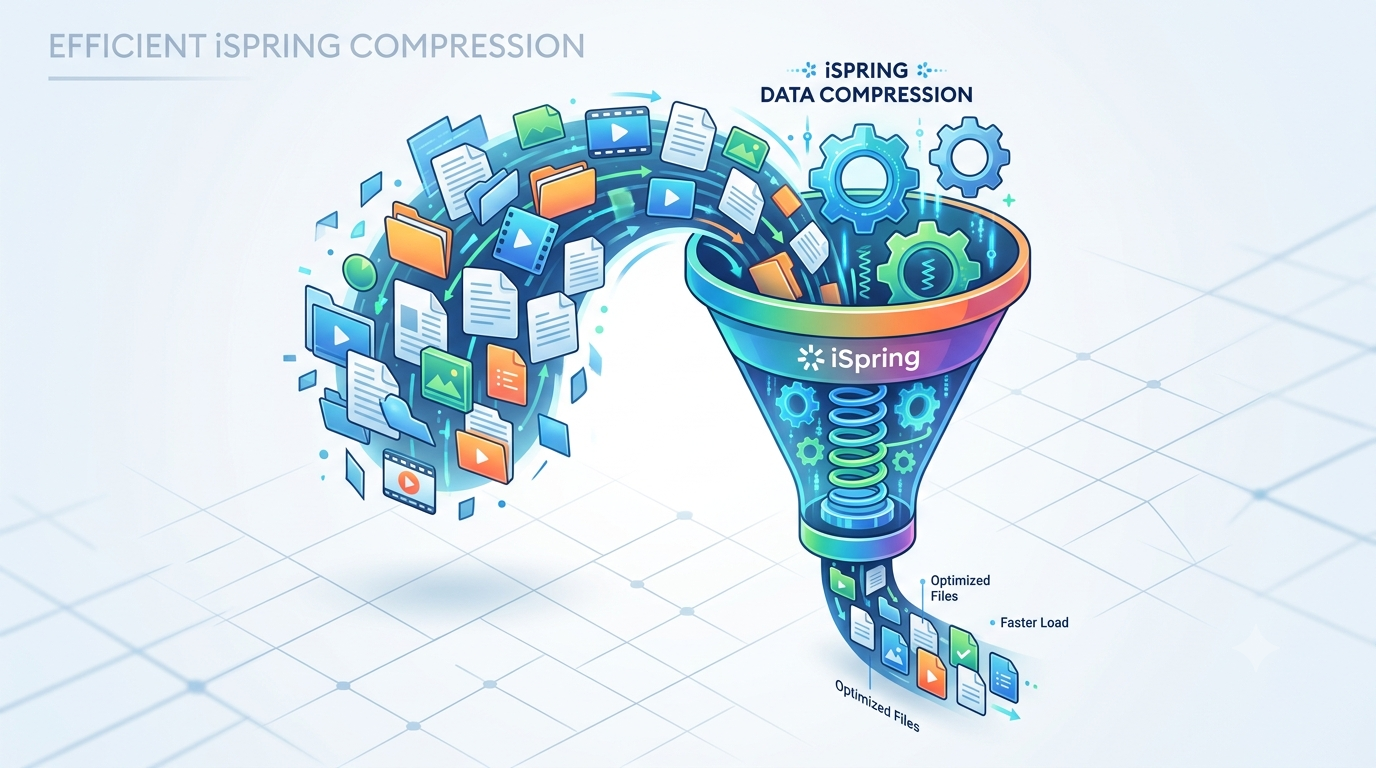
iSpring Compression refers to the techniques used to reduce the file size of eLearning courses while maintaining quality. Doctor Elearning tool excels in this area by providing SCORM Compression that enhances LMS performance.
The Importance of iSpring Compression for Learning & Development Teams
As eLearning continues to evolve, iSpring Compression is crucial for L&D teams to ensure efficient delivery of training content. In 2026, organizations are focusing on optimizing their resources. Doctor Elearning provides a unique solution to meet these demands. By using this tool, teams can reduce the size of their courses, which leads to faster loading times and better user experiences.
Moreover, smaller file sizes mean lower storage costs. This is especially important for large enterprises managing extensive training libraries. Additionally, with the ability to edit content without source files, L&D teams can respond quickly to changes. This flexibility is vital in today’s fast-paced business environment.
Core Strategies for Effective iSpring Compression
Explore the following strategies that enhance iSpring Compression:
- Utilizing SCORM Compression effectively.
- Editing content without source files.
- Implementing multilingual support.
- Cost analysis of compression tools.
- Real-world examples of successful implementations.
1. Utilizing SCORM Compression Effectively
SCORM Compression is a key feature of Doctor Elearning. It reduces the file size of eLearning courses significantly. This not only improves loading speed but also enhances LMS performance. As a result, learners can access content more quickly, which leads to better engagement.
Furthermore, by compressing SCORM files, organizations can save on bandwidth costs. This is particularly beneficial for companies with many users accessing courses simultaneously. Therefore, implementing SCORM Compression is a smart move for any L&D team.
2. Editing Content Without Source Files
One of the standout features of Doctor Elearning is the ability to edit published courses without needing the original source files. This means that L&D teams can make changes quickly and efficiently. For instance, if a course needs updated images or audio, teams can do this directly within the tool.
Additionally, this feature removes dependency on original vendors. As a result, organizations can maintain control over their content. This flexibility allows for faster updates and ensures that training materials remain relevant.
3. Implementing Multilingual Support
In today’s global market, multilingual support is essential. Doctor Elearning allows organizations to translate courses into over 130 languages. This capability enables global training deployment at scale. Consequently, companies can reach a wider audience and ensure that all employees receive the same quality of training.
Moreover, the tool supports DOCX and XLIFF workflows, making the translation process smoother. This means that L&D teams can easily manage translations without extensive technical knowledge.
4. Cost Analysis of Compression Tools
When considering iSpring Compression, it’s important to analyze the costs associated with different tools. Doctor Elearning offers a cost-effective solution by reducing storage and bandwidth needs. This can lead to significant savings over time.
Additionally, organizations should consider the potential costs of redevelopment. With Doctor Elearning, there is no need to redevelop courses after making edits. This not only saves money but also time, allowing teams to focus on other important tasks.
5. Real-World Examples of Successful Implementations
Many organizations have successfully implemented Doctor Elearning to enhance their training programs. For example, a large retail company used the tool to compress their training modules. As a result, they saw a 50% reduction in file sizes, leading to faster loading times and improved learner satisfaction.
Furthermore, another enterprise utilized the editing feature to update their courses without going back to the original authoring tools. This allowed them to keep their content fresh and relevant, which is crucial in a competitive market.
Doctor Elearning’s Unique Methodology for iSpring Compression
Doctor Elearning tool to provide a comprehensive approach to iSpring Compression. The focus is on SCORM-native optimization and immediate content editing without the need for source files. This unique methodology sets Doctor Elearning apart from other tools in the market.
Moreover, the all-in-one toolkit combines compression, editing, and translation features. This means that organizations can manage their eLearning content more effectively. As a result, they can maintain compliance while also improving operational efficiency.
Avoid These Common Mistakes in iSpring Compression
When implementing iSpring Compression, organizations often face several common pitfalls. Here are some mistakes to avoid:
- Neglecting SCORM compliance.
- Failing to consider multilingual needs.
- Overlooking the importance of content updates.
- Not analyzing cost-effectiveness.
- Ignoring user feedback on course performance.
By being aware of these mistakes, L&D teams can take proactive steps to ensure successful implementation. For instance, regularly checking for SCORM compliance can prevent issues down the line. Additionally, considering user feedback can help improve course quality.
Frequently Asked Questions about iSpring Compression
What are the benefits of iSpring Compression?
The benefits of iSpring Compression include reduced file sizes, faster loading times, and lower storage costs. Additionally, it allows for quick updates and edits without needing source files. This flexibility is crucial for maintaining relevant training content.
How does Doctor Elearning handle SCORM files?
Doctor Elearning uses SCORM Compression to optimize eLearning courses. This means that the tool reduces file sizes while maintaining compliance. As a result, organizations can ensure their courses perform well on various Learning Management Systems.
Can I edit courses without source files?
Yes, with Doctor Elearning, you can edit published courses directly. This feature allows for quick updates to images, audio, and video content. Consequently, L&D teams can keep their training materials current without relying on original authoring tools.
What languages does Doctor Elearning support for translation?
Doctor Elearning supports translation into over 130 languages. This feature is essential for organizations looking to deploy training globally. Additionally, it supports DOCX and XLIFF workflows, making the translation process easier for teams.
Conclusion
In summary, iSpring Compression is essential for optimizing eLearning content. With Doctor Elearning, organizations can reduce costs and improve efficiency. By implementing the strategies discussed, L&D teams can enhance their training programs significantly. Try Doctor Elearning today to transform your eLearning strategy and achieve better results.
