Table of contents
- Key Takeaways on Adobe Captivate Compression
- What is Adobe Captivate Compression?
- Why Adobe Captivate Compression matters for L&D teams in 2026
- 5 Effective Strategies for Adobe Captivate Compression
- How Doctor Elearning approaches Adobe Captivate Compression
- Common Adobe Captivate Compression mistakes to avoid
- Frequently Asked Questions about Adobe Captivate Compression
- Conclusion
Struggling with Adobe Captivate Compression? Here’s what you’re missing. If you’ve been having a tough time with Adobe Captivate Compression, you’ve probably read the same ten guides. However, they often miss a focused approach on compression techniques that keep course quality high while reducing file size. This guide covers what you need to know.
Key Takeaways on Adobe Captivate Compression
- Understand the importance of SCORM Compression for LMS performance.
- Learn how to edit content without source files.
- Discover the benefits of translating eLearning content.
- Explore how Doctor Elearning can optimize your courses.
- Avoid common mistakes in compression.
What is Adobe Captivate Compression?
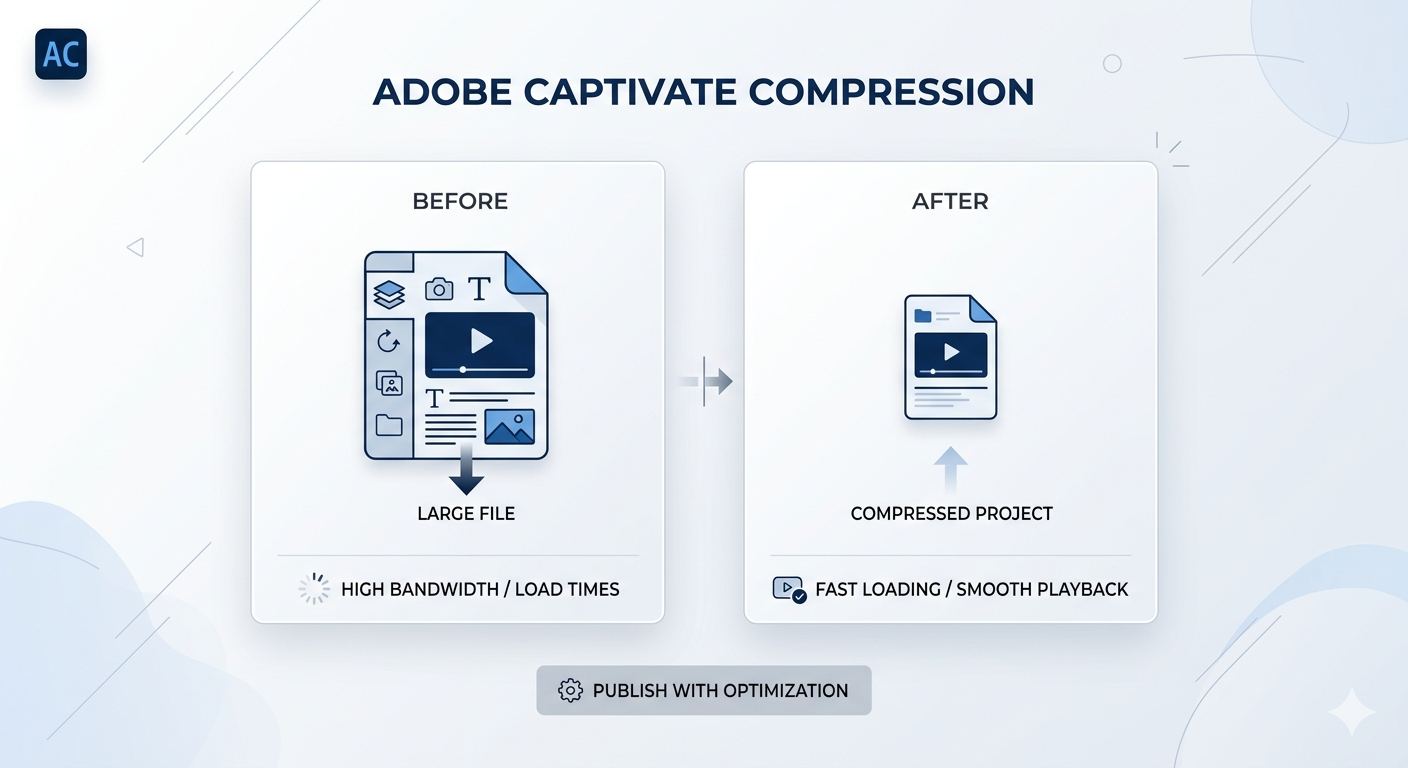
Adobe Captivate Compression refers to the methods used to reduce the file size of eLearning courses made with Adobe Captivate. This process ensures faster uploads and better performance in Learning Management Systems (LMS). Doctor Elearning tool enhances this process by providing SCORM-native optimization.
Why Adobe Captivate Compression matters for L&D teams in 2026
In 2026, the world of eLearning is changing quickly. With more demand for global training solutions, Adobe Captivate Compression is vital for Learning and Development (L&D) teams. It helps ensure efficient course delivery and optimal performance across various LMS platforms.
As organizations expand their training programs, they face challenges. Large Adobe Captivate SCORM modules can slow down upload times, use more storage, and affect course performance. Therefore, using effective compression techniques is essential. By optimizing file sizes, L&D teams can improve user experience and reduce costs.
5 Effective Strategies for Adobe Captivate Compression
Here are five effective strategies for Adobe Captivate Compression:
- Utilize SCORM Compression: This technique can reduce file size by up to 70%. It helps improve loading speed and LMS performance.
- Edit published courses directly: You can modify content without needing the original source files. This saves time and reduces dependency on vendors.
- Implement best practices for multimedia content: Ensure that images, audio, and video are optimized. This helps maintain quality while reducing file size.
- Leverage translation capabilities: Use the translation features to reach a global audience. This allows you to deploy training in over 130 languages.
- Monitor LMS performance post-compression: After compressing your courses, check how they perform. This helps identify areas for further improvement.
How Doctor Elearning approaches Adobe Captivate Compression
Doctor Elearning offers a complete solution for Adobe Captivate Compression. It allows users to optimize, modify, and localize eLearning content without needing source files. This all-in-one toolkit ensures compliance with SCORM standards while enhancing performance and reducing costs.
With Doctor Elearning, organizations can quickly update their courses. This means they can keep content fresh without going back to authoring tools. Additionally, the tool supports various multimedia formats, making it easier to maintain high-quality learning experiences.
Common Adobe Captivate Compression mistakes to avoid
When working with Adobe Captivate Compression, avoid these common mistakes:
- Neglecting to test course performance: Always check how your courses perform after compression. This step is crucial for ensuring a good user experience.
- Overlooking multimedia optimization: Ensure that all multimedia elements are optimized. Poor quality can lead to a bad learning experience.
- Failing to use editing tools effectively: Take full advantage of the editing features available in Doctor Elearning. This can save time and improve course quality.
- Ignoring multilingual support: If you plan to reach a global audience, ensure your courses are translated. This is key for effective training.
- Not considering long-term costs: Think about storage and bandwidth costs over time. Compression can save money in the long run.
Frequently Asked Questions about Adobe Captivate Compression
What is the best way to reduce file size in Adobe Captivate?
The best way to reduce file size is to use SCORM Compression. This technique can significantly lower the size of your eLearning courses while maintaining quality. Additionally, optimizing multimedia elements can also help.
How does SCORM Compression work?
SCORM Compression works by reducing the file size of SCORM packages. It does this without losing any important features or interactions. As a result, your courses load faster and perform better in LMS platforms.
Can I edit my eLearning content without source files?
Yes, with Doctor Elearning, you can edit your eLearning content directly without needing the original source files. This feature allows for quick updates and modifications, saving time and effort.
What are the benefits of using Doctor Elearning for compression?
Using Doctor Elearning for compression offers several benefits. It reduces file sizes, improves LMS performance, and allows for easy content editing. Moreover, it supports translation into over 130 languages, making it ideal for global training.
Conclusion
In summary, Adobe Captivate Compression is essential for optimizing eLearning content in 2026. By leveraging strategies such as SCORM Compression and direct content editing, organizations can enhance performance and reduce costs. If you want to transform your eLearning experience, try Doctor Elearning.
