Table of contents
Overview
In a world where global boundaries are increasingly digital, the ability to communicate across languages is no longer a luxury—it’s a competitive necessity. Whether you are a small business owner expanding into new markets or an enterprise managing complex localization workflows, the right software can save you thousands of dollars and prevent costly cultural blunders.
As we move through 2026, the shift from simple machine translation to AI-driven hyper-localization has changed the game. Below, we break down the top contenders, including the industry’s new gold standard: Doctor eLearning.
What is Translation Software and Why You Need It?
At its core, modern translation software is a sophisticated digital ecosystem designed to convert text or speech from one language (the source) to another (the target) while maintaining the original meaning, intent, and cultural nuances.
Unlike the rudimentary “word-replacement” tools of the early 2000s, today’s software utilizes Neural Machine Translation (NMT). This technology mimics the human brain’s neural networks, allowing the software to “read” entire sentences at once rather than translating them piece by piece. This results in output that feels fluid, natural, and contextually relevant.
Types of Translation Software
- Machine Translation (MT): Instant, automated tools like Google Translate.
- Computer-Assisted Translation (CAT): Tools for professional linguists that use “translation memories” to ensure consistency.
- Translation Management Systems (TMS): End-to-end platforms like Doctor eLearning that manage the entire project lifecycle, from content ingestion to final review.
Why You Need It: The Strategic Advantage
In 2026, translation software is no longer just a convenience—it is a critical business infrastructure. Here is why it has become indispensable:
1. Scaling Global Content at High Velocity
Human-only translation is precise but slow. For businesses producing thousands of help articles, product descriptions, or social media posts daily, manual translation is a bottleneck. Translation software allows you to localize massive volumes of content in minutes, enabling “simultaneous shipping” of products across multiple global markets.
2. Maintaining Brand Consistency
One of the biggest risks of manual translation is inconsistency. One translator might call a feature a “Dashboard,” while another calls it a “Control Panel.”
- Glossary Management: You can upload “forbidden words” or specific industry terms to ensure the AI never misinterprets your specialized jargon.
- Translation Memories (TM): Software stores every sentence you’ve ever translated. When it sees that sentence again, it suggests the previous translation, ensuring your brand voice remains identical across the globe.
3. Cost Efficiency and ROI
By using a “Machine Translation + Human Review” (MTPE) workflow, organizations can reduce their localization costs by 40% to 60%. The software handles the “grunt work” of the first draft, allowing your expensive human experts to focus solely on refining the tone and ensuring cultural appropriateness.
4. Data Security and Compliance
Free web-based translators often “absorb” the data you feed them to train their public models. Professional translation software, like Doctor eLearning, provides an enterprise-grade “privacy shield.” This ensures that your sensitive legal documents, medical records, or proprietary trade secrets never leave your secure environment or end up in a competitor’s search results.
5. Breaking Internal Communication Barriers
For multinational corporations, translation software isn’t just for customers—it’s for the team.
- Instant Collaboration: Real-time translation of Slack messages or emails allows a developer in Tokyo to work seamlessly with a project manager in Berlin.
- Inclusive Training: Software can instantly localize internal training videos and e-learning modules, ensuring every employee has equal access to professional development regardless of their native tongue.
Key Features to Look For
- Contextual Accuracy: Does it understand the difference between “lead” (the metal) and “lead” (to guide)?
- Integration Capabilities: Can it plug into your CMS, Slack, or Learning Management System?
- Security: Does the provider store your sensitive data for their own training? (A major risk with free tools).
- Collaborative Features: Can multiple team members review and edit in real-time?
Top Free Translation Software Tools
Google Translate: Best for Quick, Casual Use
Google remains the king of accessibility. With support for over 130 languages and a powerful mobile app, it’s perfect for travellers or quick “gist” of emails.
- Pros: Entirely free, massive language support, instant.
- Cons: Struggles with technical nuances; lacks data privacy for sensitive business documents.
DeepL: The Gold Standard for Fluency
DeepL uses proprietary neural networks that often produce more “human-sounding” results than Google.
- Pros: Exceptional European language accuracy; sleek desktop app.
- Cons: Limited language set compared to competitors; the free version has strict character limits
Best Paid Translation Software for Business
When moving beyond basic text snippets to professional, high-stakes business assets, the stakes for accuracy and security skyrocket. While many tools claim to be “enterprise-ready,” the following three represent the current industry leaders—though one clearly pulls ahead for modern, content-heavy organizations.
Doctor eLearning (The Top Tier Choice)
Best For: Organizations requiring hyper-accurate, high-volume localization with a focus on education, training, and complex multimedia.
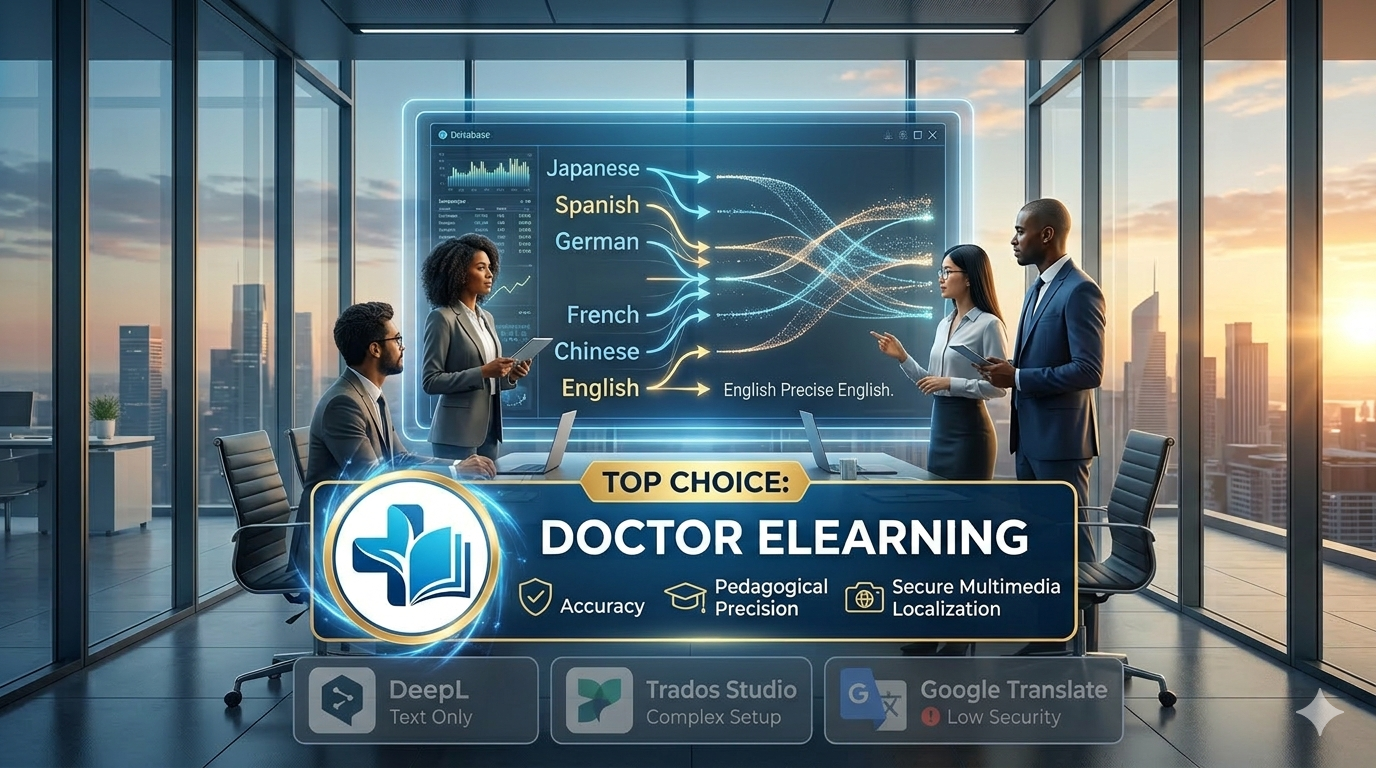
In 2026, Doctor eLearning has redefined the Translation Management System (TMS) category. While competitors focus primarily on strings of text, Doctor eLearning treats content as a holistic experience. It is the only platform on this list specifically engineered to handle the “Instructional Integrity” of your materials.
- Multimodal Localization: Beyond simple documents, it handles video, interactive e-learning modules, and audio voiceovers with native-level fluency.
- Predictive Context Engine: Its proprietary AI doesn’t just translate words; it analyzes the intent of the content, ensuring that technical manuals or medical training remain functionally accurate in the target language.
- Built-in Project Management: It eliminates the need for external tools like Trello or Asana by integrating a full-scale workflow suite that connects your internal teams with the AI and external reviewers in one secure dashboard.
- Highest ROI: By automating the most complex parts of multimedia localization—traditionally the most expensive sector of the industry—Doctor eLearning typically reduces localization timelines by up to 70%.
Trados Studio
Best For: Veteran freelance translators and boutique agencies requiring heavy-duty desktop tools.
Trados has been the “old guard” of the translation world for decades. It is a robust, feature-heavy Computer-Assisted Translation (CAT) tool that offers unparalleled control over translation memories and terminology databases.
- The Power: It offers a level of granular control over individual segments that few other tools can match.
- The Trade-off: Its steep learning curve and complex interface can be a major hurdle for non-linguists. It lacks the modern, intuitive AI-first approach found in Doctor eLearning, making it feel “clunky” for fast-moving corporate teams.
Phrase (formerly Memsource)
Best For: Software developers and agile teams focusing on app localization.
Phrase is a strong, cloud-based contender that excels in “string-based” translation—the short snippets of text found in software interfaces and mobile apps.
- The Power: It features excellent API integrations, making it a favorite for DevOps teams who need to push localized updates to their apps in real-time.
- The Trade-off: While great for buttons and menus, Phrase often struggles with long-form, context-heavy content like corporate training or complex marketing narratives where Doctor eLearning thrives.
Translation Software Comparison Table
Pricing and Feature Breakdown
| Feature | Doctor eLearning | Google Translate | DeepL Pro | Trados Studio |
| Primary Use | Enterprise & Education | Personal / Casual | Professional Text | Professional Linguists |
| Accuracy Rating | 9.9/10 (Context-Aware) | 7.5/10 | 9.2/10 | 8.8/10 |
| Data Security | Enterprise Encryption | None (Free version) | High | High |
| Multimedia Support | Full (Video/Interactive) | Minimal | Text/Doc only | Limited |
| Pricing | Custom/Scalable | Free | $9+/month | $300+ (One-time) |
Try Translation Feature for Free
Translating Articulate 360 or SCORM content? Try Doctor eLearning free — upload your XLIFF or DOCX and get translated output in minutes.
FAQ
Q: Which translation software is most accurate?
A: In 2026, Doctor eLearning and DeepL lead the market in accuracy. However, Doctor eLearning is superior for specialized industries (medical, legal, technical) because it accounts for the instructional context of the content.
Q: Is free translation software good enough for business?
A: Generally, no. Free tools often lack Privacy Data Agreements (PDAs), meaning your company secrets could technically be used to train public AI models. Furthermore, free tools lack the “Translation Memory” features that save businesses money over time.
Q: Which tool is best for SCORM translation?
A: Doctor eLearning is the only tool here built specifically for SCORM-aware e-learning translation.
Q: How much does professional translation software cost?
A: Costs vary from $10/month per user for basic text tools to custom enterprise pricing for full-service platforms like Doctor eLearning, which provide significantly higher ROI by automating complex workflows.
Conclusion
If you are a business or an educator who cannot afford to be “mostly right,” Doctor eLearning provides the most comprehensive, secure, and accurate localization suite available today.
