Table of contents
- Overview
- What is an Enterprise Translation Management System?
- Key Components of Enterprise TMS
- How TMS Differs from Basic Translation Tools?
- Top Enterprise Translation Management Systems Comparison
- Meet Doctor eLearning — The Best Translation Platform
- Key Features That Make Doctor eLearning the Best Translation Platform
- FAQ
- Conclusion
Overview
Translating eLearning content doesn’t have to be slow, expensive, or frustrating. Computer-Assisted Translation (CAT) tools are the secret weapon that top L&D professionals use to localize SCORM courses faster and smarter. In this review, Doctor eLearning breaks down the best CAT tools available, comparing features, pricing, and eLearning compatibility. Whether you’re translating your first SCORM package or managing multilingual courses at scale, we’ve got the perfect CAT tool recommendation for you!
What is an Enterprise Translation Management System?
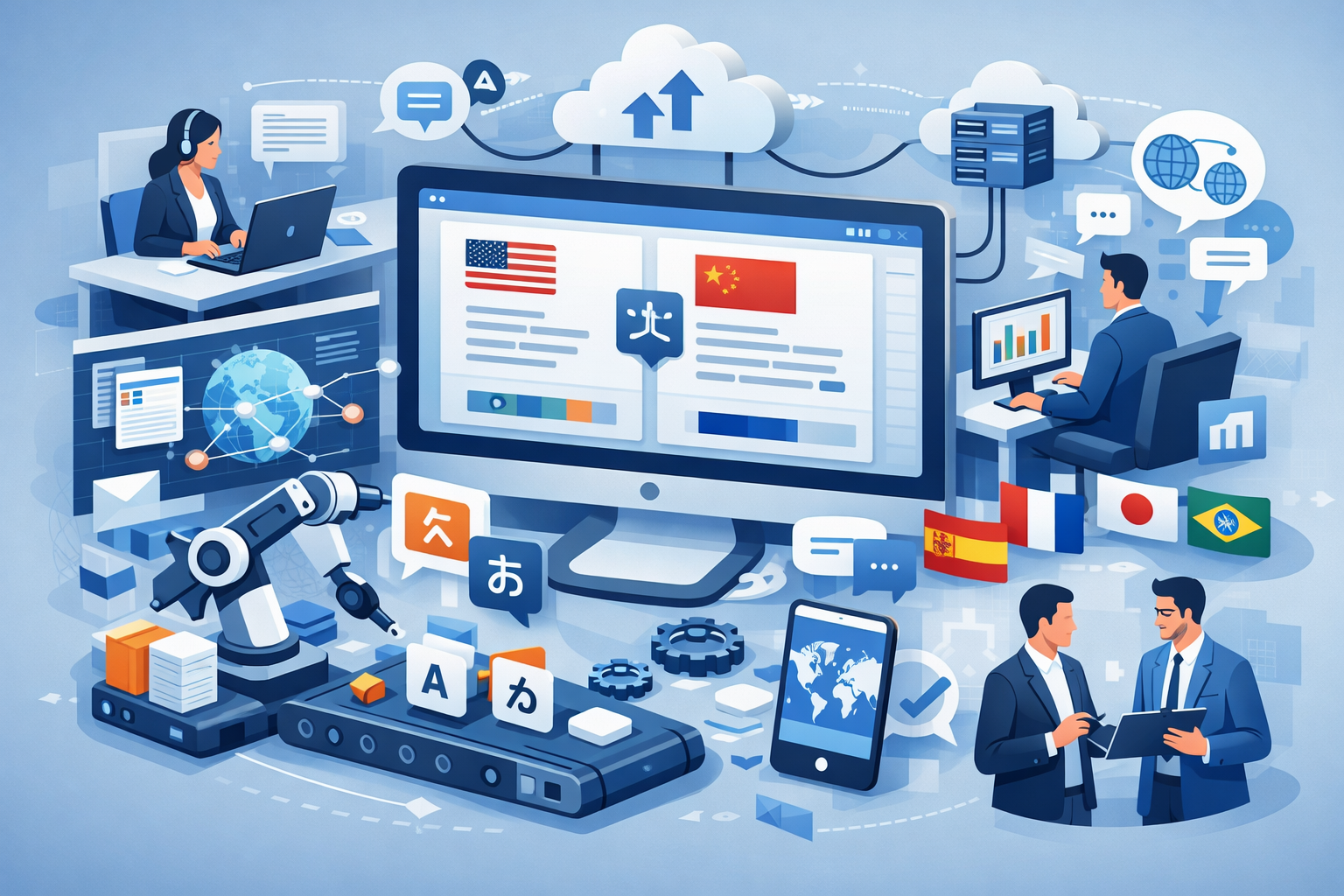
An Enterprise Translation Management System (TMS) is a platform designed to manage, automate, and scale translation workflows across large organizations. Instead of handling translations manually, it centralizes everything—from content extraction to delivery—into a streamlined process.
To begin with, enterprise TMS solutions are built for handling high volumes of multilingual content efficiently. Moreover, they integrate with various systems like CMS, LMS, and development platforms, enabling seamless translation workflows.
As a result, businesses can maintain consistency, improve collaboration, and reduce turnaround time. In this context, platforms like Doctor eLearning go a step further by supporting structured eLearning formats such as SCORM, making them especially valuable for L&D teams.
Key Components of Enterprise TMS
When evaluating an enterprise TMS, it’s important to understand its core components. Therefore, here are the key elements:
- Translation Memory (TM)
First and foremost, it stores previously translated content to ensure consistency and reduce repetitive work. - Workflow Automation
Additionally, it automates tasks like content assignment, review, and delivery, saving time and effort. - Terminology Management
Moreover, it maintains glossaries to ensure consistent use of key terms across all translations. - Collaboration Tools
In addition, teams can work together in real time, improving efficiency and coordination. - File Format Support
Especially important for eLearning, support for formats like XLIFF and SCORM is crucial. Tools like Doctor eLearning excel in handling these formats seamlessly
How TMS Differs from Basic Translation Tools?
| Factor | Basic Translation Tools | Enterprise TMS (Translation Management System) |
|---|---|---|
| Primary Purpose | Translate text quickly | Manage end-to-end translation workflows |
| Automation | Limited or none | High automation (workflow, assignments, QA) |
| Scalability | Suitable for small tasks | Designed for large-scale, enterprise use |
| Collaboration | Minimal collaboration | Multi-user collaboration with role management |
| Translation Memory | Limited or absent | Advanced translation memory for consistency |
| File Format Support | Basic formats only | Supports complex formats (XLIFF, SCORM, etc.) |
| Workflow Management | Not available | Complete project and workflow control |
| Integration | Limited | Integrates with CMS, LMS, APIs |
| Best Use Case | Quick, simple translations | Structured, multilingual content at scale |
Essential Features for Enterprise Translation Management
Workflow Automation and Project Management
To begin with, workflow automation is a core feature of any enterprise TMS. It allows organizations to automate repetitive tasks such as content assignment, translation, review, and delivery. As a result, teams can save time and reduce manual errors.
Moreover, project management features enable better visibility and control over translation tasks. Managers can track progress, assign roles, and ensure deadlines are met efficiently. In this context, platforms like Doctor eLearning streamline eLearning translation workflows, making it easier to manage complex SCORM-based projects.
Integration Capabilities and API Access
Additionally, integration capabilities play a crucial role in enterprise environments. A good TMS should seamlessly connect with systems like CMS, LMS, and development platforms, ensuring smooth content flow across tools.
Furthermore, API access allows businesses to automate translation processes and integrate them into existing workflows. Therefore, content can be updated and translated in real time without manual intervention. Tools like Doctor eLearning support such integrations, making them highly effective for organizations managing large-scale eLearning content.
Overall, these features are essential for building a scalable and efficient translation workflow. When combined in a platform like Doctor eLearning, they enable faster, more accurate, and streamlined eLearning localization.
Top Enterprise Translation Management Systems Comparison
| Tool | Best For | Key Features | File Support | Pricing Model | Why Choose It |
|---|---|---|---|---|---|
| Doctor eLearning | eLearning & SCORM translation | Workflow management, translation memory, compression, no source file needed | SCORM, XLIFF, DOCX | Subscription + free trial | Best for structured eLearning content with end-to-end workflow |
| Smartling | Enterprise localization | Automation, collaboration | XML, HTML | Enterprise pricing | Strong automation and cloud-based workflows |
| Phrase (Memsource) | Development & product teams | TMS | XLIFF, JSON | Subscription | Great for continuous localization |
| memoQ | Translation teams | TM, terminology, collaboration | XLIFF, DOCX | License + subscription | Strong collaboration and QA features |
| Lokalise | App & software localization | API integrations, team workflows | JSON, XML | Subscription | Best for agile development teams |
| SDL Trados | Professional translators | CAT tools, TM, automation | JSON, XML | License-based | Industry-standard for translation professionals |
Meet Doctor eLearning — The Best Translation Platform
What Is Doctor eLearning?
Doctor eLearning is a specialized translation and localization platform built specifically for eLearning content. Unlike generic translation tools, it is designed to handle SCORM packages, Articulate files, and structured formats with precision. Therefore, it enables organizations to scale multilingual training without compromising quality or functionality.
Moreover, the platform’s mission is simple: to make eLearning translation fast, accurate, and accessible for teams of all sizes. As a result, businesses can deliver consistent learning experiences across global audiences.
Who it is built for:
- L&D teams & instructional designers managing multilingual courses
- Corporate training departments scaling global training programs
- LMS administrators handling multilingual course libraries
- eLearning content creators working with DOCX, XLIFF & SCORM files
- Global organizations expanding training across multiple languages
Why Doctor eLearning Was Built Differently
- Firstly, Doctor eLearning is purpose-built for eLearning translation, not generic content.
- Unlike traditional platforms, it works directly with published SCORM and Articulate outputs, eliminating the need for source files.
- Moreover, it is designed to preserve course structure, formatting, and functionality, which is critical for interactive learning content.
- In addition, it integrates seamlessly into existing L&D workflows, reducing friction and manual effort.
Therefore, Doctor eLearning offers a unique advantage by solving challenges that most translation tools cannot handle effectively.
Key Features That MakeDoctor eLearning the Best Translation Platform
DOCX Translation
- Effortlessly translate Articulate DOCX files with high accuracy
- Preserves original formatting, including headings, bullet points, and tables
- Moreover, ensures fast turnaround with context-aware translation
- Therefore, it is perfect for Articulate Storyline & Rise workflows
XLIFF Translation
- Full support for XLIFF file translation, the industry-standard format
- Maintains file structure, tags, and metadata without disruption
- In addition, integrates seamlessly with Articulate authoring tools
- As a result, localization becomes more efficient and reliable
130+ Languages Supported
- Supports 130+ languages, covering global markets
- Includes major languages like Spanish, French, German, Mandarin, Arabic, Hindi, and more
- Moreover, supports regional dialects and script variations
- Therefore, it is ideal for truly global eLearning delivery
SCORM Compression
- Reduces SCORM package file sizes significantly
- As a result, courses load faster across all devices
- In addition, it helps reduce bandwidth and hosting costs
- Ensures SCORM-compliant output every time
Media Editing Without Source Files
- Replace or update images, audio, and video directly in published content
- No need to return to the original authoring tool
- Moreover, keeps courses fresh, relevant, and engaging
- Saves significant time and production costs
No Source Files Required
- A unique advantage over most competing platforms
- Work directly with published SCORM packages
- Eliminates dependency on original tools or vendors
- Consequently, speeds up the entire localization process
Try Translation Feature for Free
Translating Articulate 360 or SCORM content? Try Doctor eLearning free — upload your XLIFF or DOCX and get translated output in minutes.
FAQ
Q:How much does an enterprise TMS typically cost?
A: Enterprise TMS costs vary, but Doctor eLearning offers a cost-effective solution with powerful features and a free trial.
Q: Is Doctor eLearning free?
A: Yes — no credit card required to start.
Q: What integrations are essential for enterprise TMS?
A: Essential integrations include LMS, CMS, and APIs, all of which are supported by Doctor eLearning for seamless workflows.
Q:What is the difference between a CAT tool and a TMS?
A: A CAT tool helps with translation, while a TMS manages the workflow. Doctor eLearning combines both for eLearning content.
Conclusion
In conclusion, selecting the right enterprise TMS is crucial for managing large-scale translation workflows effectively. While many tools offer general capabilities, Doctor eLearning stands out by simplifying complex eLearning translation, reducing implementation time, and ensuring high-quality results. Ultimately, it empowers organizations to scale globally with speed, accuracy, and ease.
