Doctor Translator: Free Document Translator for DOCX, PDF and TXT (2026)
If you searched for a doctor translator, you are almost certainly looking for a free, reliable way to translate documents online without losing formatting or accuracy. Doctor eLearning’s free document translator does exactly that: upload a DOCX, PDF or TXT file, pick your source and target language, and get a translated version back in minutes, no source files or file conversions required. Below, we break down how free document translators actually work, where they quietly fall short once your content gets more complex, and how Doctor eLearning compares when you need something more dependable than a basic doc translator.
What Is a Free Document Translator?
A free document translator is a tool that converts text from one language into another at no cost, usually by running your file through machine translation. It is useful for a quick read of a document, a basic email, or a one-off file you only need to understand roughly. What it is not built for is consistent accuracy, formatting that survives the round trip, or support for the specialised file types eLearning teams actually use. Platforms such as Doctor eLearning go further by combining translation with editing, localization and format preservation in one place, which matters as soon as the document is going in front of a client, a learner, or a regulator.
How Does a Free Document Translator Work?
Most free document translators, including the basic doc translator tools you will find through a quick search, follow the same five-step process:
- Upload your file. You add a DOCX, PDF, TXT or similar file so the tool can read the content.
- Select source and target language. You tell the tool which language the document is in and which language you want it translated into.
- Machine translation processing. The tool runs the text through an AI or machine translation engine, which converts it automatically but can miss context, tone, or industry terminology.
- Output generation. A translated version of the document is produced, usually ready to download straight away.
- Manual editing, if you do it yourself. Because free tools offer little to no in-platform editing, most users end up copying the output into a separate document to fix formatting and wording by hand.
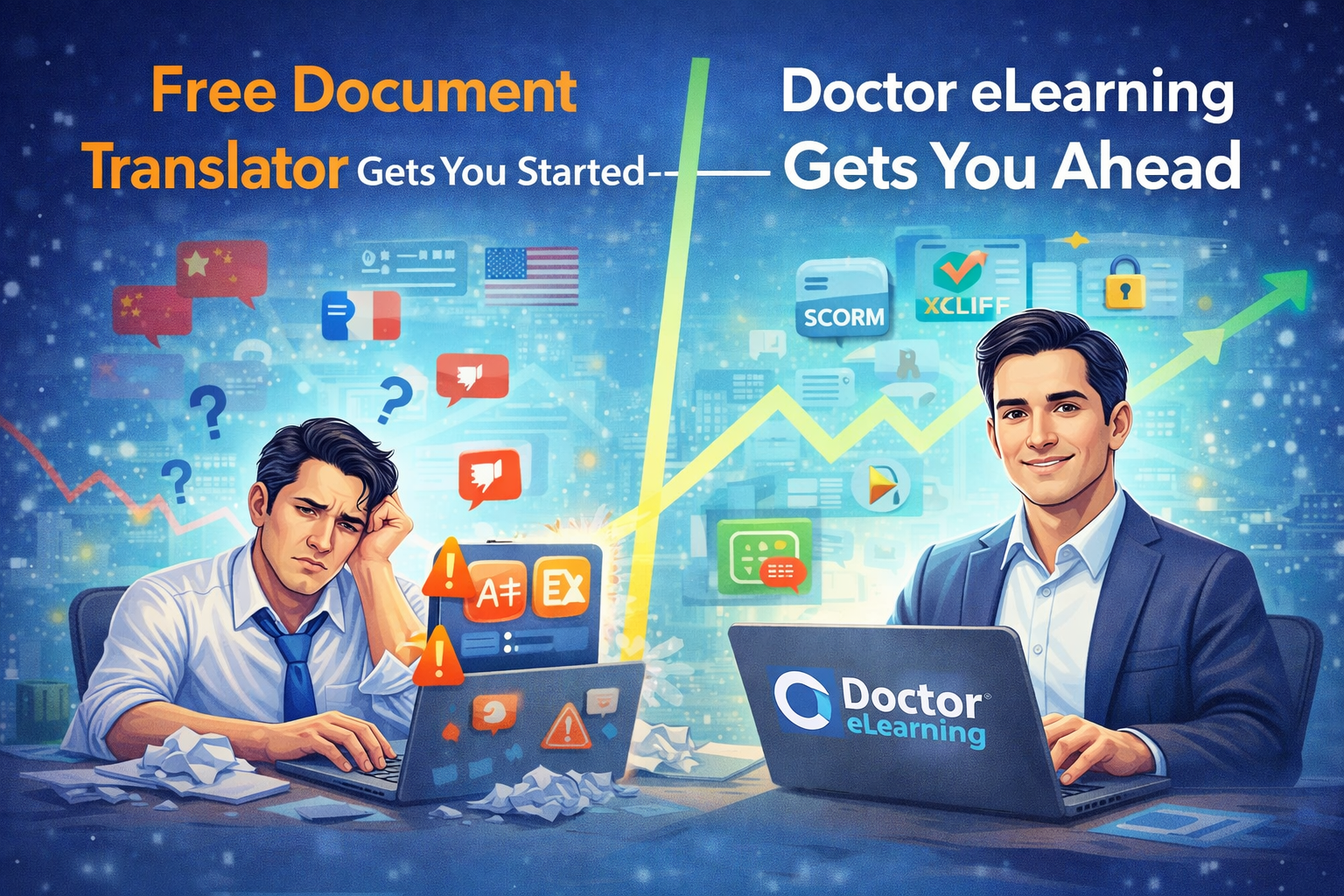
Doctor eLearning compresses those last two steps into one: it generates the translation and gives you an editing and format-preservation layer on top, so you are not stuck rebuilding tables, headings and layout from scratch.
Which File Formats Does a Free Document Translator Support?
This is where a lot of free online document translator tools start to show their limits. Here is what is typically supported:
| File type | Free document translators | Doctor eLearning |
|---|---|---|
| DOCX | Yes, basic formatting only | Yes, full formatting preserved |
| Yes, often loses layout | Yes, layout preserved | |
| TXT | Yes | Yes |
| PPT / PPTX | Sometimes | Yes |
| SCORM packages | No | Yes, no source files needed |
| XLIFF | No | Yes |
If you are specifically working with Articulate Storyline exports, our complete guide to Articulate Storyline 360 DOCX translation covers that workflow in more depth. And if your project involves XLIFF files and you need to estimate scope before you translate, our guide to the XLIFF word count tool walks through that step by step.
Doc Translator vs Document Translation: What’s the Difference?
A “doc translator” usually refers to a lightweight tool built to translate a single file, typically a .doc or .docx, quickly and for free. “Document translation” is the broader term, covering everything from that same quick file upload to a full professional service that handles formatting, terminology, legal or technical accuracy, and multi-language delivery at scale. In short: if you need one file translated roughly and fast, a doc translator is fine. If the output needs to be accurate, consistently formatted, and usable for business, training or compliance purposes, you need document translation as a process, not just a tool. Doctor eLearning sits in that second category, and our eLearning translation services page covers how that looks for course content specifically.
Is Free Document Translation Really Free?
Upfront, yes, most free translation document tools do not charge you anything to paste or upload text. The cost shows up later, in the time you spend fixing what the tool got wrong. Below are the limitations that tend to surface once you move past a one-off casual translation.
| Limitation | Why it matters | How Doctor eLearning handles it |
|---|---|---|
| Poor accuracy for business content | Machine translation alone often misses tone and meaning, and small errors in business or training content can cause real misunderstandings. | Structured workflows and better context handling improve accuracy. |
| No cultural adaptation | Free tools translate words, not meaning, so content can sound unnatural or miss the mark for the target audience. | Localization is built in, not bolted on. |
| Limited language support | Many free tools only cover common languages, which caps how far your content can reach. | Supports 130+ languages. |
| No LMS integration | Without integration, content has to be uploaded and managed manually, which is slow and error-prone. | Integrates directly with eLearning workflows. |
| Data privacy risk | Free platforms rarely guarantee how your document is stored or used. | Provides a secure environment for sensitive files. |
| Little to no support | When something breaks, there is usually no one to ask. | Offers responsive customer support. |
| Struggles with large or complex files | Long documents or complex layouts often break formatting entirely. | Built to handle large, complex eLearning documents. |
Free Document Translator vs Doctor eLearning: Side-by-Side Comparison
| Feature | Free Document Translator | Doctor eLearning |
|---|---|---|
| Accuracy & quality | Relies on basic machine translation, so errors in tone and meaning are common. | Combines structured workflows with context handling for consistent accuracy. |
| Language support | Usually limited to common languages, restricting global reach. | Supports 130+ languages for genuine global expansion. |
| Security & privacy | Data protection is often unclear or absent. | Provides a secure platform built for sensitive business content. |
| LMS integration | None, so everything is manual. | Integrates directly with eLearning systems for faster workflows. |
| Customer support | Limited or none, which can stall a project. | Offers reliable support to resolve issues quickly. |
| Value for money | Free upfront, but rework and errors add hidden cost. | Cost-effective, all-in-one solution that saves long-term time and cost. |
Why Is Doctor eLearning a Smarter Choice Than a Basic Document Translator?
| Feature | How Doctor eLearning helps |
|---|---|
| AI-powered accuracy with human review | Combines AI translation with human review for context-rich, accurate output. |
| 130+ languages supported | Removes the language ceiling that limits most free tools. |
| Seamless LMS integration | Simplifies workflows instead of adding manual steps. |
| Fully secure platform | Keeps sensitive business and course content protected. |
| Dedicated customer support | Resolves issues quickly instead of leaving you to troubleshoot alone. |
| Built specifically for eLearning businesses | Handles SCORM, XLIFF, and other complex formats with ease. |
If you want to see how Doctor eLearning stacks up against other tools in this space more broadly, our comparison of the top online translators for 2026 tests and ranks the main options side by side.
What Is the Best Free Online PDF Translator for Technical or Academic Manuals?
For a quick, one-off read of a short PDF, a basic free online document translator is usually good enough. For technical or academic manuals used in coursework, it is not, and here is why: these documents rely on consistent terminology, numbered steps, tables, and diagrams staying exactly where they belong, and most free tools flatten or scramble that structure during translation. If the manual is going to be graded, referenced, or used to teach from, it is worth using a tool built to preserve formatting and terminology consistency rather than one optimised for speed alone. Doctor eLearning is built around exactly that kind of structured, format-sensitive content, which is why it holds up better on longer technical documents than a general-purpose free translator does.
Try Doctor eLearning’s Document Translator for Free
Translating Articulate 360 or SCORM content, or just a DOCX file that needs to keep its formatting? Start free with Doctor eLearning, upload your file, and get translated output back in minutes.
FAQ
What is a doctor translator?
“Doctor translator” is most often a search for Doctor eLearning’s free document translator, a tool that lets you upload a DOCX, PDF or TXT file and get it translated without touching source files. It supports 130+ languages and, unlike basic free tools, preserves formatting and offers editing on top of the translation.
Is a doc translator the same thing as a document translator?
Yes, “doc translator” and “document translator” are generally used interchangeably to describe tools that translate uploaded files rather than pasted text. The difference between tools is usually in formatting fidelity, language coverage and file-type support rather than the basic function.
What is the difference between document translation and document translation free tools?
Document translation as a process can include professional review, terminology consistency and formatting work. Document translation free tools only cover the machine translation step, which is why they are fast and costless but often need manual cleanup before the output is usable for business or training purposes.
Can I get free online document translation without installing anything?
Yes, both basic free tools and Doctor eLearning work entirely in the browser, with no software installation or source files required. The difference is what happens after the translation: free tools hand you raw output, while Doctor eLearning adds editing and format preservation.
Which formats can a free document translation tool actually handle?
Most free tools handle DOCX, PDF, TXT and sometimes PPT, but they typically cannot touch SCORM packages or XLIFF files used in eLearning. Doctor eLearning supports all of those formats, including SCORM and XLIFF, which is where most docx translator tools fall short.
Is there a truly free translation of documents, or are there hidden limits?
Free translation of documents is genuinely free to start, but most tools cap file size, limit editing, or strip formatting on complex files. Doctor eLearning is also free to start, with no credit card required, and is built to handle larger and more complex documents without those same limits.
What is the best free online PDF translator for technical or academic manuals used in coursework?
For technical or academic manuals, look for a tool that preserves tables, numbered steps and terminology rather than one optimised purely for speed. A general free PDF translator can misplace or flatten that structure, so a format-aware tool like Doctor eLearning tends to hold up better for coursework-grade documents.
Is Doctor eLearning free to use as an online doc translator?
Yes, Doctor eLearning is free to start and does not require a credit card. You can upload a DOCX, PDF or TXT file right away and see how it compares to a basic free online document translator before deciding if you need the full platform.
Conclusion: The Best Document Translator Is Closer Than You Think
A free document translator, or a basic doc translator, is a reasonable starting point for a quick, low-stakes translation. The moment accuracy, formatting, language coverage or file complexity matter, those same tools start costing you time instead of saving it. That is where Doctor eLearning fits: AI-powered accuracy with human review, support for 130+ languages, and the file formats eLearning teams actually use, all without needing your original source files.
