Table of contents
Overview
Localization is no longer optional for L&D teams managing eLearning content across global markets — it’s an absolute necessity in 2026. CAT tools have become the backbone of every successful localization project, helping instructional designers and translation teams work faster, smarter and more consistently across multiple languages. In this guide, Doctor eLearning breaks down the best CAT tools for localization projects — reviewing features, pricing and SCORM compatibility so you can make the right choice. Whether you are localizing your first SCORM course or managing a multilingual eLearning library at scale, this is the only guide you need!
What Are Online CAT Tools?
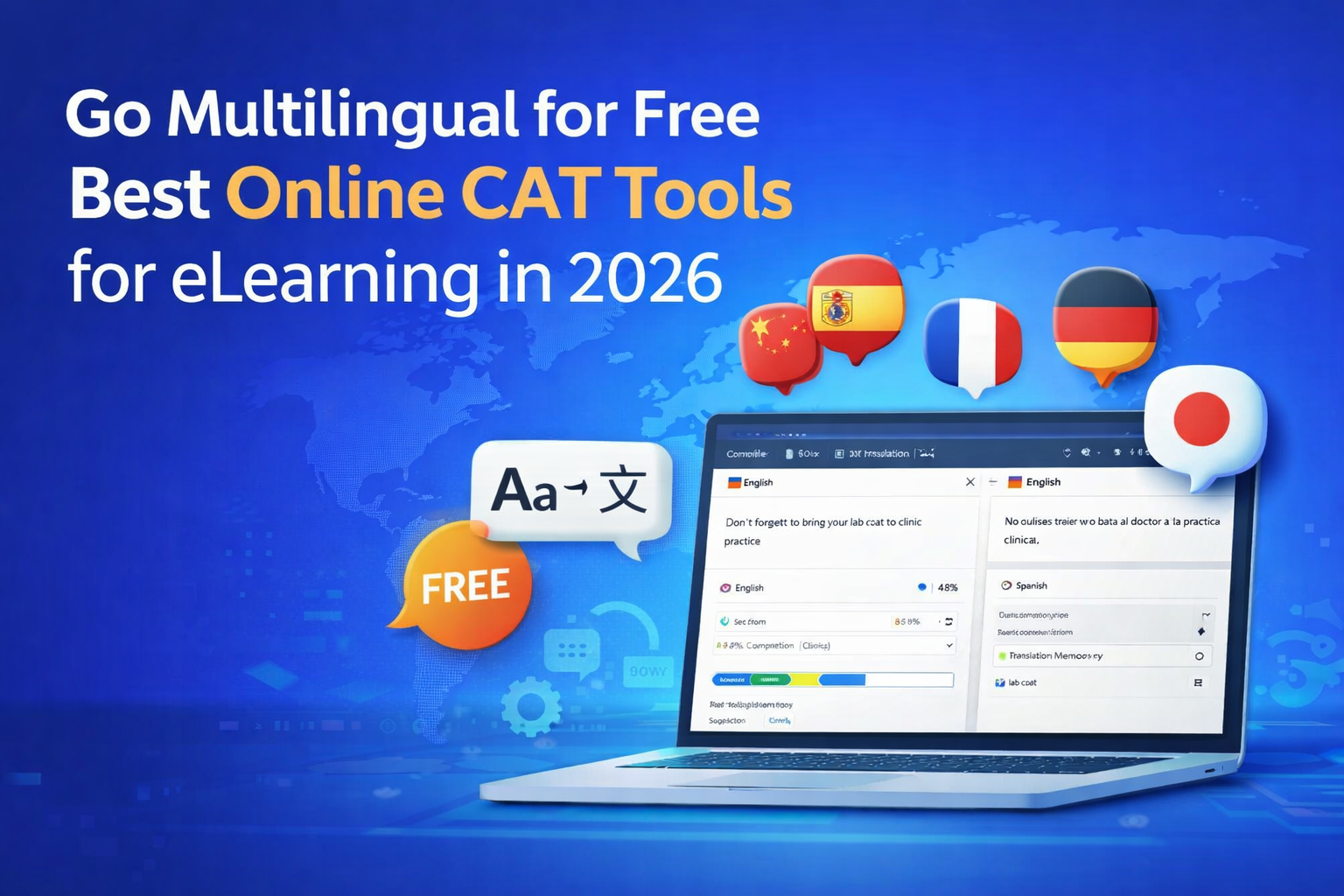
Computer-Assisted Translation (CAT) tools play a crucial role in modern localization by helping translators work faster, maintain consistency, and improve overall quality. Instead of relying solely on manual translation, these tools provide smart assistance through features like translation memory and terminology management.
To begin with, CAT tools are essential for handling large-scale multilingual content, especially in industries like eLearning where content is repetitive and structured. Moreover, they help ensure that translations remain consistent across different modules and languages.
As a result, businesses can scale their localization efforts efficiently. In this context, platforms like Doctor eLearning enhance the value of CAT tools by enabling seamless translation of structured formats such as SCORM and XLIFF
How Online CAT Tools Differ from Desktop CAT Software?
Now, while both online and desktop CAT tools serve the same purpose, they differ significantly in how they are used.
| Feature | Online CAT Tools | Desktop CAT Tools |
|---|---|---|
| Access | Browser-based (no install) | Requires installation |
| Collaboration | Real-time team collaboration | Limited collaboration |
| Updates | Automatic updates | Manual updates required |
| Flexibility | Access from anywhere | Device-dependent |
| Cost | Subscription-based | One-time or license fee |
As a result, online CAT tools are more flexible and team-friendly, especially for modern workflows
Key Components of a CAT Tool
Furthermore, most CAT tools come with powerful features that make translation more accurate and efficient:
- Translation Memory (TM)
First of all, this feature stores previously translated content and reuses it, saving both time and effort. - Glossary Management
In addition, it ensures that important terms remain consistent across all translations. - XLIFF & DOCX File Support
Moreover, these tools support industry-standard file formats, making it easy to handle different types of content. - Auto Suggestions & Consistency Checks
Finally, built-in automation helps detect errors and maintain uniformity throughout the project.
Why Online CAT Tools Are Perfect for eLearning Teams?
Most importantly, online CAT tools are especially valuable for eLearning teams.
For example, platforms like Doctor eLearning are specifically built to handle SCORM, Articulate Storyline, and other eLearning formats, making localization much simpler.
Additionally:
- They enable seamless multilingual course delivery
- They support real-time collaboration between teams
- They speed up large-scale translation projects
- They ensure consistent terminology across modules
- They work smoothly with complex eLearning file formats
Therefore, choosing the right online CAT tool—especially one tailored for eLearning like Doctor eLearning—can significantly improve both efficiency and translation quality.
Why Free Online CAT Tools Are a Game Changer for eLearning?
The High Cost of Traditional Translation Methods
To start with, traditional translation methods can be expensive and time-consuming.
In many cases, businesses rely on manual workflows, multiple vendors, and repeated efforts.
As a result, costs quickly add up—especially for eLearning content that requires frequent updates and multiple languages.
How Free Online CAT Tools Level the Playing Field
However, free online CAT tools are changing this landscape.
Instead of large budgets, teams can now access powerful translation features at no cost.
Moreover, platforms like Doctor eLearning make it even easier by offering tools tailored specifically for eLearning localization.
Consequently, even small teams can compete with larger organizations.
Benefits of Going Free vs Paid
| Benefit | Explanation |
|---|---|
| Zero upfront investment | To begin with, free tools eliminate the need for heavy initial spending, making them ideal for budget-conscious teams. |
| Accessible from anywhere | In addition, cloud-based access allows users to work from any location, ensuring flexibility and convenience. |
| No installation required | Furthermore, there’s no need for complex setup or IT support, which saves both time and effort. |
| Perfect for small L&D teams & solo creators | Therefore, smaller teams and individual creators can scale their work without financial pressure. |
| Ideal for testing before committing to paid plans | Lastly, free tools provide a risk-free way to explore features before upgrading to advanced solutions like Doctor eLearning. |
When Free Is Enough & When to Upgrade
On one hand, free tools are great for small projects, basic translations, and testing workflows.
On the other hand, as your needs grow such as handling large-scale courses, advanced automation, or team collaboration—a more robust solution may be required.
That’s where platforms like Doctor eLearning stand out, offering a smooth transition from free usage to scalable, professional workflows.
Best Online CAT Tools for eLearning in 2026
| Tool | Best For | Key Features | Why Choose It |
|---|---|---|---|
| Doctor eLearning | eLearning & SCORM translation | TM, XLIFF support, SCORM editing, compression | Best for structured eLearning localization with end-to-end workflow |
| SDL Trados Studio | Professional translators | Advanced TM, automation, wide format support | Industry-standard CAT tool with powerful features |
| memoQ | Translation teams | Collaboration, terminology management, QA tools | Strong team collaboration and project management |
| Smartcat | Freelancers & teams | Cloud-based, collaboration, marketplace | Free and easy to use with built-in team features |
| Wordfast | Budget-friendly users | TM, glossary, multiple formats | Cost-effective and user-friendly |
| OmegaT | Open-source users | Basic TM, simple interface | Free and lightweight CAT tool |
What to Look for in a Free Online CAT Tool for eLearning
Key Features to Consider
When choosing a free online CAT tool, it’s important to look beyond just cost.
Instead, focus on features that directly impact your workflow, scalability, and translation quality.
- SCORM & XLIFF File Compatibility
To begin with, ensure the tool supports industry-standard formats like SCORM and XLIFF.
This is especially important for eLearning content, where file structure must remain intact.
- Support for Multiple Languages
In addition, a good CAT tool should handle multiple languages seamlessly.
This allows you to scale your courses for global audiences without switching platforms.
- Translation Memory & Glossary Features
Moreover, built-in translation memory and glossary management help maintain consistency.
As a result, you save time while ensuring accurate and uniform translations.
- Collaboration & Team Features
Furthermore, real-time collaboration is essential for modern teams.
This enables translators, reviewers, and project managers to work together efficiently.
- Integration with eLearning Authoring Tools
Equally important is integration with tools like Articulate, Lectora, and iSpring.
For example, platforms like Doctor eLearning are designed specifically to work with these tools, making the localization process smoother.
- Storage & Project Limits on Free Plans
However, it’s also crucial to check any limitations on free plans.
These may include restricted storage, limited projects, or fewer features.
- Ease of Use for Non-Technical Users
Finally, the tool should be simple and intuitive.
This ensures that even non-technical users can navigate and use it effectively without extensive training.
Which Tool is Best for E-Learning Translation?
This CAT tools comparison makes it clear: while both are excellent general-purpose tools, neither MemoQ nor Trados was built with e-learning in mind. Doctor eLearning fills this gap — it natively supports Articulate 360 DOCX and XLIFF files, preserves your course structure, and delivers translated output without any manual formatting work.
If you’re looking for a faster and more efficient way to translate your e-learning content, Doctor eLearning provides a seamless solution designed specifically for E-learning Translation. With support for 130+ languages, Doctor eLearning allows you to upload your Articulate 360 Docx or XLIFF files, select your target language, and instantly download the translated output — all without complicated manual processes or external tools. Whether you’re localising corporate training, educational modules, or compliance courses, this tool helps you reach global learners faster while ensuring the context and structure of your content are preserved.
Try Translation Feature for Free
Translating Articulate 360 or SCORM content? Try Doctor eLearning free — upload your XLIFF or DOCX and get translated output in minutes.
FAQ
Q:Which CAT tool is best for large-scale localization projects?
A: For large-scale projects, Doctor eLearning is a strong choice due to its workflow automation, SCORM support, and scalability.
Q: Is Doctor eLearning free?
A: Yes — no credit card required to start.
Q: Can CAT tools integrate with localization management platforms?
A: Yes, and Doctor eLearning supports integrations with LMS, APIs, and workflows for seamless localization management
Q: How do CAT tools improve translation consistency across languages?
A: CAT tools use translation memory and glossaries, and Doctor eLearning enhances this with structured workflows for consistent eLearning translation.
Conclusion
CAT tools are essential for modern localization, especially when dealing with large and structured content. However, choosing the right platform makes all the difference. Doctor eLearning stands out by combining translation, workflow management, and SCORM compatibility, enabling teams to deliver accurate and scalable eLearning content with ease.
