Table of contents
- Overview
- What is a Translation Management System (TMS)?
- Top 5 Free Translation Management Systems
- How to Get Started with a Free TMS — Step by Step
- Meet Doctor eLearning — The Best Translation Platform for SCORM & Articulate Files
- Key Features That Make Doctor eLearning the Best Translation Platform
- FAQ
- Conclusion
Overview
Managing multilingual content doesn’t have to be expensive or complicated. Today, several free Translation Management Systems (TMS) make it easier to translate, organize, and scale your content efficiently. Moreover, these tools are especially useful for eLearning teams working with SCORM files and global training programs. In this blog, we’ll explore how TMS platforms work, what features matter most, and how solutions like Doctor eLearning can simplify the entire process.
What is a Translation Management System (TMS)?
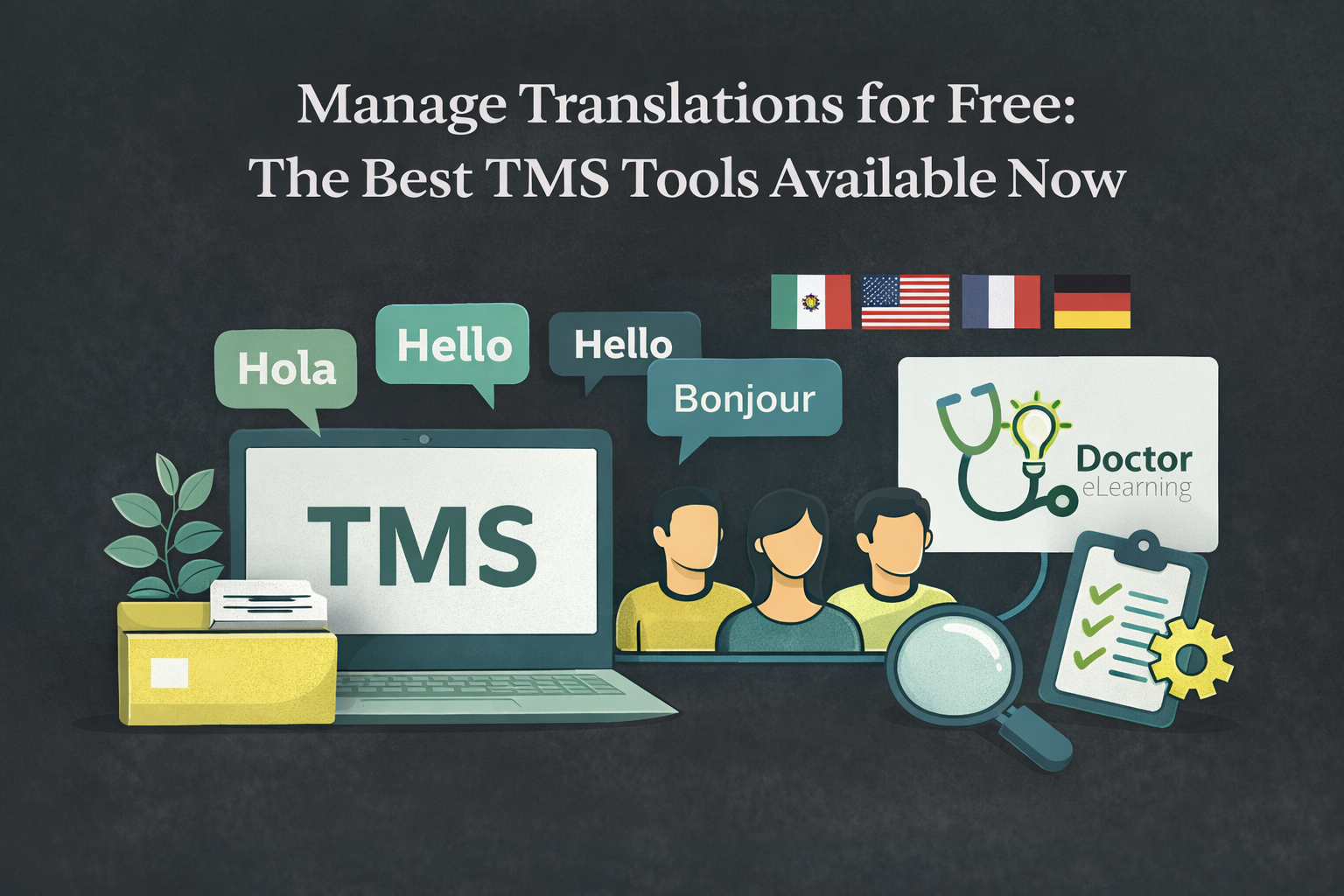
A Translation Management System (TMS) is a software platform that helps businesses manage, automate, and streamline the translation of content into multiple languages. Instead of handling translations manually, a TMS centralizes everything—from text extraction to final delivery—into one efficient workflow.
In other words, it acts as a bridge between content creators, translators, and technology.
For example, when working with eLearning content, a TMS can extract text from SCORM files, translate it into multiple languages, and then reintegrate it without breaking the course structure. This is where platforms like Doctor eLearning stand out, as they allow you to handle complex eLearning translations without needing source files.
Additionally, most TMS tools integrate with machine translation engines like Google Translate or DeepL, making the process faster and more cost-effective. As a result, teams can scale their content globally without significantly increasing effort or cost.
Key Features Every TMS Should Have
When choosing a TMS, it’s important to focus on features that actually improve efficiency. While many tools claim to offer “complete solutions,” only a few deliver real value. Therefore, here are the key features you should look for:
1. Centralized Translation Workflow
First and foremost, a good TMS should allow you to manage all translation tasks in one place. This ensures better collaboration between translators, editors, and project managers.
2. Machine Translation Integration
Moreover, integration with AI-powered tools like Google Translate or DeepL can significantly speed up the translation process while reducing costs.
3. File Format Compatibility
Not all tools support complex formats. However, if you’re working in eLearning, you need support for formats like SCORM, XLIFF, and HTML. Tools like Doctor eLearning excel here by allowing direct editing and translation of SCORM packages.
4. Translation Memory
In addition, translation memory stores previously translated content. This means you don’t have to translate the same sentence twice, saving both time and money.
5. Collaboration & Version Control
Equally important, multiple users should be able to work on projects simultaneously while tracking changes and maintaining version history.
6. Easy Export & Import
Finally, a TMS should make it simple to export translated files and re-import them into your system without errors
Free vs Paid TMS: Understanding the Trade-offs
| Feature / Factor | Free TMS Tools | Paid TMS Tools |
|---|---|---|
| Cost | Completely free to use, ideal for beginners | Requires subscription or licensing fees |
| Ease of Use | Simple and quick to start | May require onboarding and setup |
| Translation Accuracy | Basic accuracy; may struggle with complex or domain-specific content. | Higher accuracy with AI + human-level customization. |
| Translation Memory | Limited or unavailable in most tools | Advanced translation memory for consistency |
| Glossary / Terminology Control | Minimal or no customization | Custom glossaries and terminology databases available |
| File Format Support | Limited (basic text, docs) | Supports complex formats like SCORM, XLIFF, HTML |
| Automation & Workflow | Basic workflows | Advanced automation, project tracking, and collaboration |
| Security & Data Privacy | Data may be stored or reused by providers | Strong security, no data retention, compliance-ready |
| Scalability | Suitable for small or occasional tasks | Designed for large-scale, enterprise-level projects |
| Collaboration Features | Limited team collaboration | Multi-user collaboration with version control |
| Support & Reliability | Little to no support | Dedicated customer support and SLAs |
| Use Case | Best for students, freelancers, or small tasks | Best for businesses, eLearning, and global teams |
Top 5 Free Translation Management Systems
| Tool Name | Best For | Key Features | Why It Stands Out |
|---|---|---|---|
| Doctor eLearning | eLearning & SCORM Translation | SCORM editing without source files, XLIFF & DOCX support, file compression | First and foremost, Doctor eLearning stands out because it goes beyond traditional TMS tools. Moreover, it allows seamless translation of complex eLearning content while maintaining course structure. |
| Weblate | Team Collaboration | Open-source, Git integration, multi-user support | Next, Weblate is ideal for collaborative projects. Additionally, its strong version control makes it perfect for teams working on continuous updates. |
| Pontoon (Mozilla) | Developers & Localization | Web-based interface, real-time suggestions, simple UI | Similarly, Pontoon is designed for developers. Therefore, it simplifies website and app localization with an easy-to-use interface. |
| Crowdin | Startups & Small Teams | Cloud-based, automation, integrations | Furthermore, Crowdin offers a powerful free plan. As a result, it’s a great entry point for teams scaling their translation workflows. |
| Lokalise | UI/UX Localization | API integrations, collaborative editing, automation | Finally, Lokalise is known for its modern interface. However, its free version is limited, making it more suitable for short-term use. |
How to Get Started with a Free TMS — Step by Step
- Step 1: Identify Your Translation Needs
To begin with, clearly define what you want to translate—whether it’s documents, websites, or eLearning courses. Additionally, consider the number of languages and the complexity of your content. - Step 2: Choose the Right Free TMS (Prefer Doctor eLearning)
Next, select a tool that fits your requirements. For instance, if you’re working with eLearning content, Doctor eLearning is a smart choice because it allows you to translate SCORM files without needing source files. - Step 3: Set Up Your First Project
Once you’ve chosen your TMS, create your first project by uploading your files. In addition, organize your content properly to ensure a smooth translation workflow. - Step 4: Invite Collaborators
After that, bring your team on board. Most TMS tools allow you to add translators, reviewers, and project managers, which helps streamline collaboration and improve efficiency. - Step 5: Export & Integrate with Your eLearning Platform
Finally, export your translated content and integrate it into your LMS or platform. Notably, with Doctor eLearning, this process becomes much easier as it preserves the structure and functionality of your courses.
Meet Doctor eLearning — The Best Translation Platform for SCORM & Articulate Files
What Is Doctor eLearning?
Doctor eLearning is a specialized translation and localization platform built specifically for eLearning content. Unlike generic translation tools, it is designed to handle SCORM packages, Articulate files, and structured formats with precision. Therefore, it enables organizations to scale multilingual training without compromising quality or functionality.
Moreover, the platform’s mission is simple: to make eLearning translation fast, accurate, and accessible for teams of all sizes. As a result, businesses can deliver consistent learning experiences across global audiences.
Who it is built for:
- L&D teams & instructional designers managing multilingual courses
- Corporate training departments scaling global training programs
- LMS administrators handling multilingual course libraries
- eLearning content creators working with DOCX, XLIFF & SCORM files
- Global organizations expanding training across multiple languages
Why Doctor eLearning Was Built Differently
- Firstly, Doctor eLearning is purpose-built for eLearning translation, not generic content.
- Unlike traditional platforms, it works directly with published SCORM and Articulate outputs, eliminating the need for source files.
- Moreover, it is designed to preserve course structure, formatting, and functionality, which is critical for interactive learning content.
- In addition, it integrates seamlessly into existing L&D workflows, reducing friction and manual effort.
Therefore, Doctor eLearning offers a unique advantage by solving challenges that most translation tools cannot handle effectively.
Key Features That MakeDoctor eLearning the Best Translation Platform
DOCX Translation
- Effortlessly translate Articulate DOCX files with high accuracy
- Preserves original formatting, including headings, bullet points, and tables
- Moreover, ensures fast turnaround with context-aware translation
- Therefore, it is perfect for Articulate Storyline & Rise workflows
XLIFF Translation
- Full support for XLIFF file translation, the industry-standard format
- Maintains file structure, tags, and metadata without disruption
- In addition, integrates seamlessly with Articulate authoring tools
- As a result, localization becomes more efficient and reliable
130+ Languages Supported
- Supports 130+ languages, covering global markets
- Includes major languages like Spanish, French, German, Mandarin, Arabic, Hindi, and more
- Moreover, supports regional dialects and script variations
- Therefore, it is ideal for truly global eLearning delivery
SCORM Compression
- Reduces SCORM package file sizes significantly
- As a result, courses load faster across all devices
- In addition, it helps reduce bandwidth and hosting costs
- Ensures SCORM-compliant output every time
Media Editing Without Source Files
- Replace or update images, audio, and video directly in published content
- No need to return to the original authoring tool
- Moreover, keeps courses fresh, relevant, and engaging
- Saves significant time and production costs
No Source Files Required
- A unique advantage over most competing platforms
- Work directly with published SCORM packages
- Eliminates dependency on original tools or vendors
- Consequently, speeds up the entire localization process
Free One-Month Basics Account
- Try all key features completely free for one month
- Access DOCX & XLIFF translation immediately
- Translate up to 10,000 characters during the trial
- No credit card required to get started
Try Translation Feature for Free
Translating Articulate 360 or SCORM content? Try Doctor eLearning free — upload your XLIFF or DOCX and get translated output in minutes.
FAQ
Q: What is the most accurate translation platform?
A:The most accurate translation platform depends on the type of content. While tools like DeepL offer strong linguistic accuracy, platforms like Doctor eLearning provide better results for structured and eLearning content by preserving context, formatting, and functionality.
Q: Is Doctor eLearning free?
A: Yes — no credit card required to start.
Q: Which platform is best for enterprise businesses?
A: Enterprise businesses need platforms that offer scalability, automation, and workflow management. Therefore, solutions like Doctor eLearning are ideal, as they support large-scale multilingual projects while maintaining consistency and efficiency.
Q:How much do translation project management tools cost?
A: Pricing varies depending on features and scale, typically ranging from $15 to $150+ per user/month. Enterprise solutions may cost more. However, tools like Doctor eLearning offer flexible pricing and free trials, making them accessible for different teams.
Conclusion
In conclusion, choosing the right translation platform is essential for delivering accurate, scalable, and high-quality multilingual content. While many tools offer general capabilities, selecting a platform tailored to your needs makes a significant difference. Therefore, Doctor eLearning stands out as the best choice for eLearning and structured content translation, combining speed, accuracy, and ease of use.
