Table of contents
Overview
Localization is no longer optional for L&D teams managing eLearning content across global markets — in 2026, it’s a core part of scaling any training program internationally. The right localization CAT tools help instructional designers and translation teams work faster, maintain consistency, and manage multilingual content at scale.
In this guide, we compare the leading CAT tools for localization — covering features, pricing, and SCORM compatibility — so you can choose the right fit for your workflow, whether you’re localizing a single course or managing an entire eLearning library.
Already working with a published SCORM course? Doctor eLearning lets you translate, compress, and edit it directly — no source files needed.
What Are CAT Tools and Why They Matter for Localization?
Computer-Assisted Translation (CAT) tools help translators work faster and more consistently by combining human expertise with smart automation — features like translation memory, terminology management, and quality assurance checks.
CAT tools differ from machine translation because they support human translators rather than replace them entirely. Most modern platforms now combine both, integrating MT engines directly into the CAT interface for the best of both worlds.
These tools are especially valuable for structured, repetitive content — which makes them a natural fit for eLearning, where courses often follow consistent formats across modules and languages. Platforms built specifically for structured formats like SCORM and XLIFF, such as Doctor eLearning, extend this value further by preserving course structure through the translation process.
How Do You Pick the Right CAT Tool for Your Team?
With dozens of CAT tools on the market, the right choice comes down to a few priorities:
- Translation memory — reuse previously translated content to save time and maintain consistency across projects.
- File format support — especially important for eLearning teams, where native SCORM, XLIFF, and DOCX support avoids manual reformatting.
- Quality assurance — built-in checks that catch spelling, grammar, and terminology errors automatically.
- AI and automation — speeds up translation for large volumes of repetitive content.
- Collaboration features — essential when multiple translators or reviewers work on the same project simultaneously.
Your ideal tool depends on your specific workflow. A freelance translator’s priorities look very different from an enterprise L&D team managing SCORM content across a dozen languages.
Key Differences Between CAT Tools and Machine Translation
| Factor | CAT Tools | Machine Translation |
|---|---|---|
| Purpose | Assist human translators | Automatically translate content |
| Human Involvement | High (human-led) | Minimal or none |
| Accuracy | High (context-aware) | Moderate (may miss context) |
| Speed | Medium | Very fast |
| Consistency | Strong (via translation memory) | Can vary |
| Best Use Case | Professional, high-quality translation | Quick, bulk translation |
| Learning Capability | Uses stored translations (TM) | Uses AI/Neural models |
| File Format Support | Supports formats like XLIFF, DOCX | Limited format handling |
Top CAT Tools for Localization Teams in 2026
Here’s a quick comparison before we go into detail on each:
| Tool | Best For | Pricing | SCORM Support |
|---|---|---|---|
| Doctor eLearning | eLearning & SCORM translation | Free + credits | ✅ Native, edit without source files |
| SDL Trados Studio | Professional translators | From $185/month | ❌ No native SCORM editing |
| memoQ | Technical translation teams | From ~$204/month | ❌ No native SCORM editing |
| Smartcat | Freelancers & small teams | Free tier + $99/month plans | ❌ No native SCORM editing |
| Wordfast Pro | Budget-conscious freelancers | ~$400 one-time | ❌ No native SCORM editing |
| OmegaT | Open-source users | Free | ❌ No native SCORM editing |
Now let’s look at each tool in more detail.
1. SDL Trados Studio — Best for Professional Translators
Trados Studio is one of the most established CAT tools in the industry, tracing back to the 1980s. It’s a mostly desktop-based platform with a broad range of file-format support, translation memory, and AI-powered machine translation through its Language Weaver integration.
G2 rating: 4/5
Trados Studio is powerful, but that power comes with complexity — the interface has a steep learning curve, and it’s not the easiest starting point for translators new to CAT tools. It also doesn’t offer native SCORM package support, so eLearning teams typically need to export and reformat content separately when working with published courses.
Pricing: From $185/month, with a one-time license option also available.
Best for: Large organizations with established translation teams working across general document types.
2. memoQ — Best for Technical Translation Teams
memoQ was built by translators for translators, and it shows in features like real-time spell checking, glossary creation, and its LiveDocs feature, which lets you search and reuse full reference documents.
G2 rating: 4.4/5
The trade-off is platform availability — memoQ runs on Windows only, so Mac-based teams will need a workaround. It also doesn’t include SCORM-specific features, meaning eLearning content needs to be manually exported and reimported for translation.
Pricing: From approximately $204/month, billed annually.
Best for: Technical and legal translation teams working with complex, text-heavy documents.
3. Smartcat — Best for Ease of Use
Smartcat is a cloud-based, AI-first CAT tool with a clean interface and a built-in freelancer marketplace, making it a popular choice for smaller teams that don’t want to manage vendor relationships separately.
G2 rating: 4.4/5
Its pricing model — based on “smartwords” per year — can be confusing to estimate upfront, and like most general-purpose CAT tools, it lacks native SCORM package handling.
Pricing: Free tier available; paid plans start around $99/month.
Best for: Freelancers and small teams who want an easy-to-use, cloud-based workflow.
4. Wordfast Pro — Best for Freelance Translators
Wordfast Pro is designed to be simple and accessible, with a one-time fee that avoids ongoing subscription costs — a good fit for independent translators.
G2 rating: 4.1/5
It’s lighter on advanced features compared to enterprise tools, and there’s no built-in support for structured formats like SCORM, so eLearning-specific workflows require extra manual steps.
Pricing: Approximately $400–480 for a single license.
Best for: Freelance translators who want a straightforward, budget-friendly tool.
5. OmegaT — Best Free CAT Tool
OmegaT is a Java-based, open-source CAT tool that covers the essentials — translation memory, fuzzy matching, and glossary support — without any licensing cost.
G2 rating: 3.7/5
The interface is basic, and it lacks advanced features like AI-powered machine translation or SCORM handling, which limits its usefulness for eLearning-specific projects.
Pricing: Free and open-source.
Best for: Individual translators or small projects on a tight budget.
6. Doctor Elearning – Features & Capabilities
Every tool above is a strong general-purpose CAT tool. None of them, however, were built specifically for eLearning content — which means teams working with SCORM packages typically still need to manually export, reformat, and reimport content around their CAT tool of choice. This is the specific gap Doctor eLearning is built to close.
Translation: Doctor eLearning supports translation workflows using DOCX and XLIFF-based formats, allowing content to be localized into 130+ languages. It handles outputs from Articulate 360, Adobe Captivate, iSpring, and other major authoring tools, with a language formality setting to control tone and AI-powered translation engines for both input and output. Built-in word and character counts help with project scoping.
Compression: Doctor eLearning compresses eLearning/SCORM content into smaller file sizes, helping courses load faster, reducing wait times for learners, and making files easier to distribute across bandwidth-limited LMS platforms.
Editing: The editing feature lets you modify or replace images, audio, and video in a published SCORM package directly — without needing the original authoring tool or source project files. This makes quick content updates possible even when the original developer is unavailable.
Compatibility: Supports SCORM 1.2 and SCORM 2004 packages, along with common media formats like PNG/JPG, MP3, and MP4/WebM.
In short, Doctor eLearning is a post-production tool for eLearning content — most useful when you need to translate, update, or optimize a course but no longer have access to the original authoring project files.
Which Tool is Best for E-Learning Translation?
Trados, memoQ, Smartcat, Wordfast, and OmegaT are all capable, well-established CAT tools — and for general document translation, any of them can be a solid choice.
But if your workflow centers specifically on SCORM courses and Articulate 360 content, the gap becomes clear: none of these tools read or preserve SCORM package structure natively. That means extra manual work — exporting text, tracking formatting, and reimporting it correctly — every time you localize a course.
Doctor eLearning was built around this exact workflow. Upload your Articulate 360 DOCX or XLIFF file, select your target language from 130+ options, and download translated output that preserves your original course structure — no manual reformatting, and no need for the original authoring tool.
Translating Articulate 360 or SCORM content? Try Doctor eLearning free — upload your XLIFF or DOCX and get translated output in minutes.
FAQ
Q:Which CAT tool is best for large-scale localization projects?
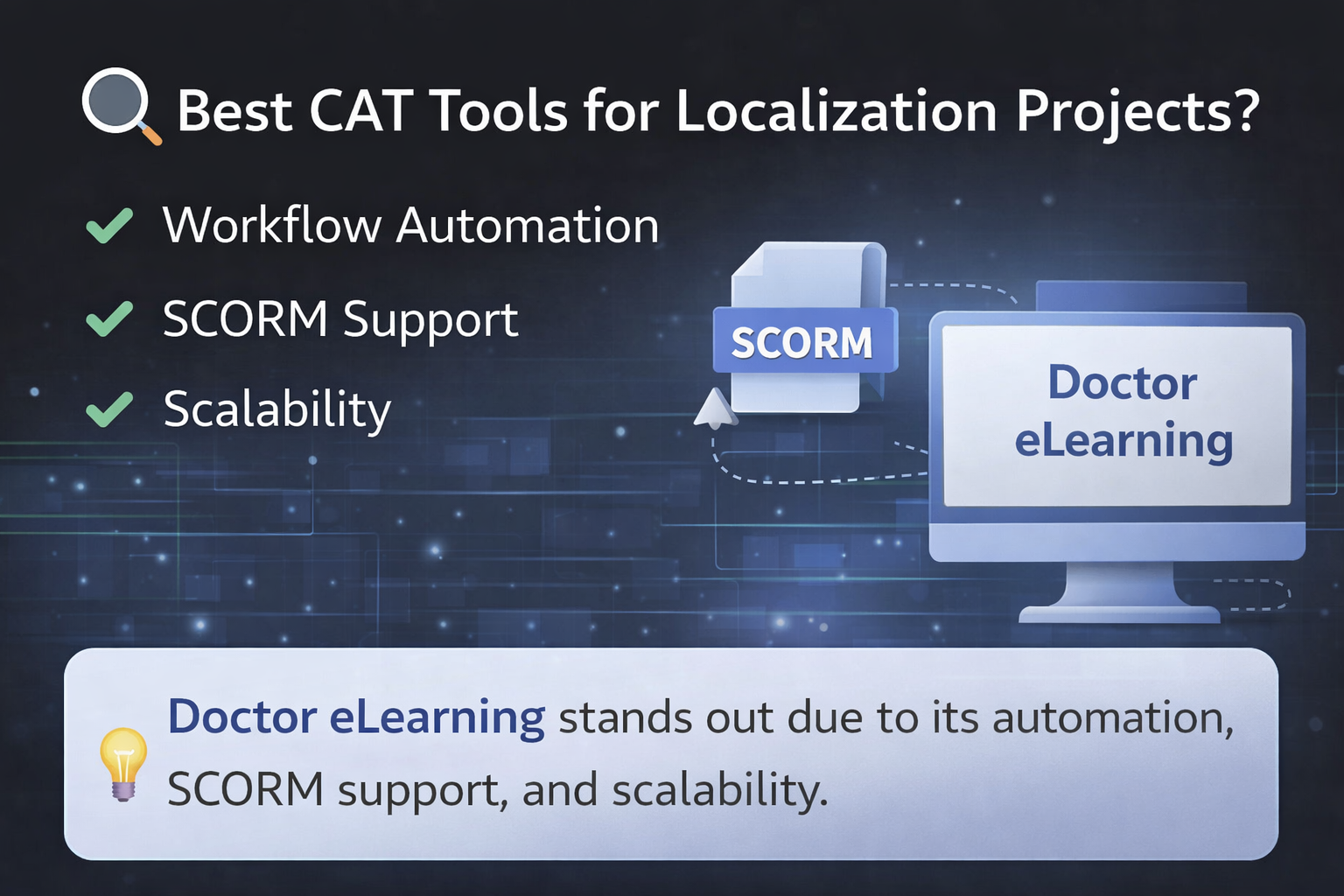
A: For large-scale projects, Doctor eLearning is a strong choice due to its workflow automation, SCORM support, and scalability.
Q: Is Doctor eLearning free?
A: Yes — no credit card required to start.
Q: Can CAT tools integrate with localization management platforms?
A: Yes, and Doctor eLearning supports integrations with LMS, APIs, and workflows for seamless localization management
Q: How do CAT tools improve translation consistency across languages?
A: CAT tools use translation memory and glossaries, and Doctor eLearning enhances this with structured workflows for consistent eLearning translation.
Conclusion
CAT tools are essential for modern localization, especially when handling large volumes of structured, repetitive content. Trados, memoQ, Smartcat, Wordfast, and OmegaT each offer solid, general-purpose translation workflows depending on your team’s size, budget, and technical needs.
For teams specifically working with SCORM and Articulate 360 content, though, the general-purpose tools leave a gap — one that requires manual reformatting work most L&D teams would rather avoid. Doctor eLearning fills that gap directly, combining translation, compression, and SCORM-native editing into a single workflow built for eLearning teams.
