Table of contents
- Overview
- What Are Translation Project Management Tools?
- How Translation Project Management Tools Differ from Basic Translation Tools
- Why Your Localization Workflow Needs the Right Tools?
- Who Needs Translation Project Management Tools?
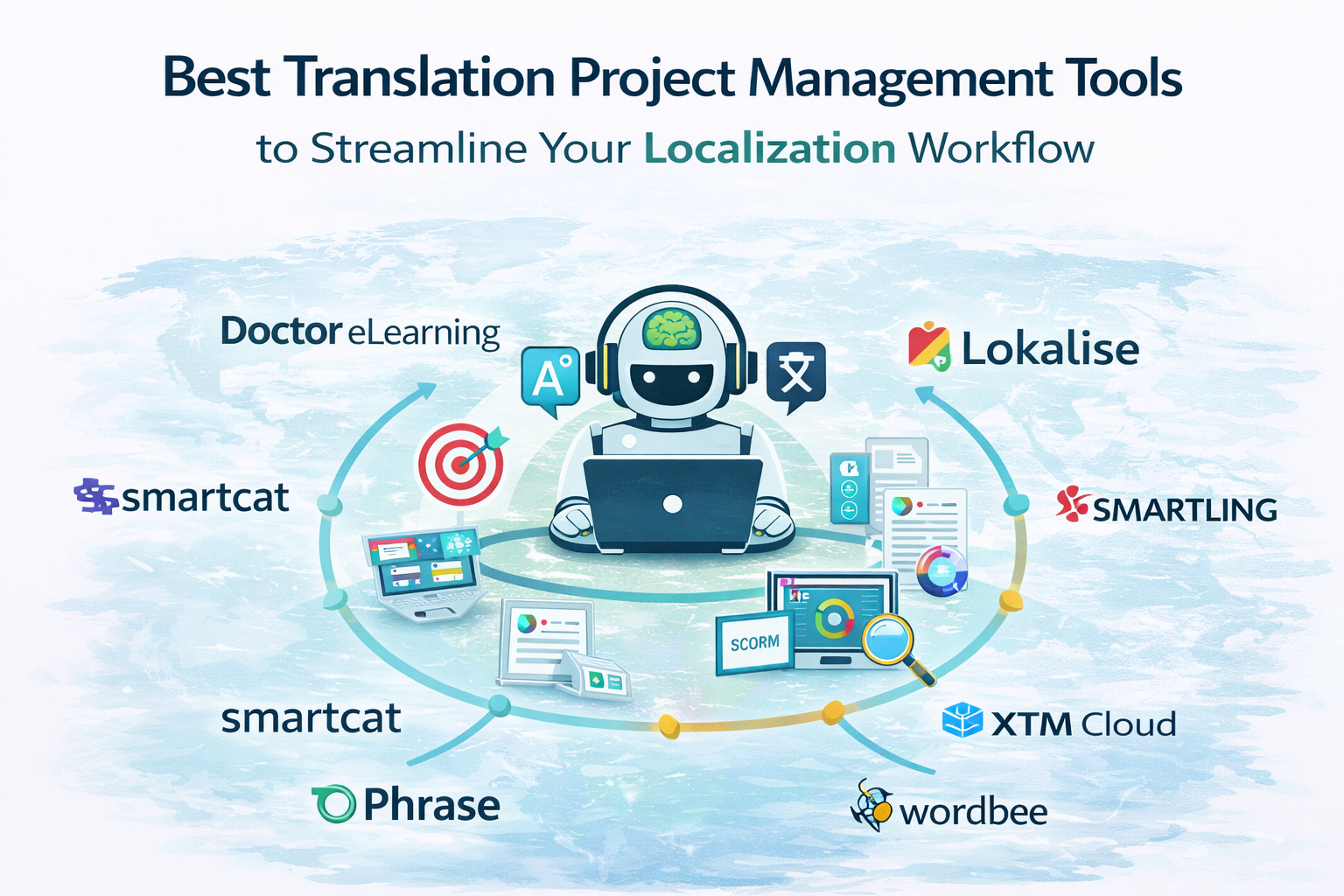
- Best Translation Project Management Tools of 2026 — Comparison Table
- Common Mistakes to Avoid in Translation Project Management
- FAQ
- Conclusion: The right tool doesn’t just manage translation, it transforms your entire localization workflow.
Overview
In today’s rapidly evolving global landscape, managing translation projects efficiently has become one of the biggest challenges for eLearning teams, localization specialists, and content creators alike, and that is precisely why investing in the right translation project management tools is no longer just an option but an absolute necessity. Furthermore, with so many tools available in the market today, knowing which ones truly streamline your localization workflow and which ones simply add more complexity can make all the difference between a smooth global rollout and a costly, time-consuming disaster. That is exactly why this comprehensive guide has been put together to walk you through the best translation project management tools of 2026, including how innovative platforms like Doctor eLearning are transforming the way eLearning teams manage, translate, and deliver multilingual content across 130+ languages with remarkable speed and accuracy.
What Are Translation Project Management Tools?
Translation project management tools are specialized platforms designed to help teams plan, organise, and execute multilingual projects efficiently. Unlike simple translation tools that focus only on converting text, these tools manage the entire lifecycle of a translation project from content upload to final delivery. Therefore, they play a crucial role in ensuring that large-scale localization projects are completed accurately and on time. Moreover, solutions like Doctor eLearning combine translation capabilities with project management features, making the process seamless and efficient.
How Translation Project Management Tools Differ from Basic Translation Tools
| Aspect | Basic Translation Tools | Translation Project Management Tools |
|---|---|---|
| Functionality | Focus only on text translation | Manage end-to-end translation workflows |
| Scope | Limited to language conversion | Includes planning, tracking, and collaboration |
| Automation | Minimal or no automation | High level of workflow automation |
| Team Coordination | Not supported | Enables collaboration between teams and vendors |
| Progress Tracking | No tracking features | Real-time tracking of progress and deadlines |
| Scalability | Suitable for small tasks | Designed for large, multilingual projects |
| Use Case | Quick, one-off translations | Complex projects with multiple stakeholders |
| With Doctor eLearning | Basic translation only | Full workflow management with structured content support |
Key Functions They Serve
Maintaining Consistency Across Multiple Languages
By using translation memory and terminology management, these tools ensure consistent language usage across projects. Moreover, platforms like Doctor eLearning enhance this consistency with automated workflows and structured content handling.
Managing Translation Workflows End-to-End
These tools oversee the entire process—from file upload and translation to review and final delivery. As a result, everything stays organized in one place.
Coordinating Between Team Members and Vendors
They enable smooth collaboration between translators, reviewers, project managers, and external vendors. Consequently, communication becomes more efficient and structured.
Tracking Project Progress and Deadlines
With built-in tracking features, teams can monitor progress in real time. Therefore, deadlines are met without delays or confusion.
Why Your Localization Workflow Needs the Right Tools?
The Growing Demand for Multilingual eLearning Content
- Firstly, organizations are expanding globally, which increases the need for multilingual training and eLearning content.
- Moreover, employees and learners expect content in their native language for better understanding and engagement.
- Therefore, having the right localization tools becomes essential to scale content efficiently.
- In this context, platforms like Doctor eLearning help deliver high-quality multilingual courses without complexity.
The Hidden Costs of Poor Translation Project Management
- Missed Deadlines
Without proper tools, tracking progress becomes difficult. As a result, projects often get delayed. - Inconsistent Translations
Lack of centralized systems leads to inconsistent terminology and messaging. Consequently, content quality suffers. - Broken File Formats
Generic tools may disrupt formatting, especially in structured files like SCORM or XLIFF. Therefore, extra manual fixes are required. - Budget Overruns
Inefficient workflows and repeated work increase costs. Hence, projects can easily go over budget.
How the Right Tools Solve These Problems
- Firstly, they automate workflows, reducing manual effort and saving time.
- In addition, they ensure consistency through translation memory and terminology management.
- Moreover, they preserve file formats, avoiding rework and technical issues.
- As a result, teams can meet deadlines and stay within budget.
- With solutions like Doctor eLearning, organizations can streamline their entire localization process efficiently.
Who Needs Translation Project Management Tools?
L&D Teams & Instructional Designers
- Firstly, these teams manage multilingual course content for global learners.
- Therefore, they need tools to maintain consistency and streamline workflows.
- With solutions like Doctor eLearning, managing structured eLearning content becomes much easier.
Corporate Training Departments
- Corporate teams often need to scale training programs across multiple regions.
- Moreover, ensuring consistency and timely delivery is critical.
- As a result, translation project management tools help standardize and accelerate the process.
eLearning Content Creators
- Content creators frequently work with formats like DOCX, XLIFF, and SCORM.
- However, handling these formats manually can be complex and time-consuming.
- Therefore, tools like Doctor eLearning simplify translation while preserving structure and design.
LMS Administrators
- LMS admins are responsible for managing multilingual course libraries.
- In addition, they must ensure smooth delivery across different languages and regions.
- Consequently, project management tools help organize and deploy content efficiently.
Localization Managers
- Localization managers oversee large-scale translation projects involving multiple teams and vendors.
- Therefore, they require tools for workflow automation, tracking, and collaboration.
- This ensures projects are completed on time and within budget.
Marketing & Communications Teams
- Marketing teams need to localize campaigns for global audiences.
- Moreover, adapting messaging to different cultures improves engagement and conversions.
- Hence, translation project management tools help maintain brand consistency across markets
Best Translation Project Management Tools of 2026 — Comparison Table
| Tool | Best For | Key Features | Limitations for eLearning Teams |
|---|---|---|---|
| Doctor eLearning | eLearning teams, L&D, LMS admins | DOCX & XLIFF translation, SCORM support, 130+ languages, media editing, no source files needed, workflow automation | No major limitations for eLearning workflows |
| Phrase | Enterprise localization teams | Cloud-based TMS, AI-powered automation, workflow management, real-time tracking | Not optimized for SCORM or structured eLearning formats |
| Smartling | Marketing & digital content teams | Strong automation, visual context editing, integrations, centralized dashboard | Limited support for complex eLearning file formats |
| Crowdin | Software & app localization | 600+ integrations, supports 100+ file formats, in-context editing, collaboration tools | More developer-focused, less suited for instructional design workflows |
| Lokalise | Agile development & tech teams | Workflow automation, API integrations, team collaboration, progress tracking | Primarily built for software localization, not eLearning-specific |
Common Mistakes to Avoid in Translation Project Management
Using Generic Tools Not Built for eLearning Content
- Firstly, many teams rely on basic or generic translation tools.
- However, these tools are not designed for structured eLearning formats like SCORM or XLIFF.
- As a result, they often lead to broken content and poor user experience.
- Therefore, using specialized solutions like Doctor eLearning is a better approach.
Ignoring File Format Compatibility from the Start
- Choosing a tool without checking supported formats can create major issues later.
- Moreover, incompatible tools may fail to handle DOCX, XLIFF, or SCORM files properly.
- Consequently, teams end up spending extra time fixing errors.
- Hence, always ensure format compatibility before starting a project.
Skipping the Free Trial Before Committing
- Many organizations commit to tools without testing them first.
- As a result, they may face unexpected limitations or usability issues.
- Therefore, it is important to take advantage of free trials.
- For example, Doctor eLearning offers a free trial to evaluate its capabilities before making a decision.
Not Considering Scalability for Future Language Needs
- Initially, a tool may seem sufficient for a few languages.
- However, as your business grows, translation needs also expand.
- Consequently, a non-scalable solution can slow down progress.
- Thus, choosing a scalable platform like Doctor eLearning ensures long-term efficiency.
Overlooking the Importance of Formatting Preservation
- Formatting is critical in eLearning and structured documents.
- Unfortunately, many tools fail to maintain layouts, visuals, and design.
- As a result, additional manual work is required after translation.
- Therefore, using a tool that preserves formatting is essential for quality output.
Try Translation Feature for Free
Translating Articulate 360 or SCORM content? Try Doctor eLearning free — upload your XLIFF or DOCX and get translated output in minutes.
FAQ
Q: What is the average cost of a translation management system?
A:The cost of a TMS can vary depending on features, scale, and usage. Typically, it ranges from $15 to $150+ per user/month for standard plans, while enterprise solutions can cost significantly more. However, platforms like Doctor eLearning offer flexible pricing and even a free trial, making it easier to get started without a large upfront investment.
Q: Is Doctor eLearning free?
A: Yes — no credit card required to start.
Q: What’s the difference between TMS and CAT tools?
A: CAT tools focus on assisting translation tasks (like translation memory and editing), whereas a TMS manages the entire translation workflow, including project tracking and collaboration. Therefore, a TMS is more comprehensive. Platforms like Doctor eLearning combine both capabilities for a complete solution.
Q:How much do translation project management tools cost?
A: Pricing varies depending on features and scale, typically ranging from $15 to $150+ per user/month. Enterprise solutions may cost more. However, tools like Doctor eLearning offer flexible pricing and free trials, making them accessible for different teams.
Conclusion
In conclusion, choosing the right translation project management tool is essential for delivering efficient, accurate, and scalable multilingual content. While many tools offer different strengths, selecting a solution that aligns with your workflow and content type makes all the difference. Therefore, platforms like Doctor eLearning provide a powerful combination of simplicity, automation, and eLearning-focused capabilities.
