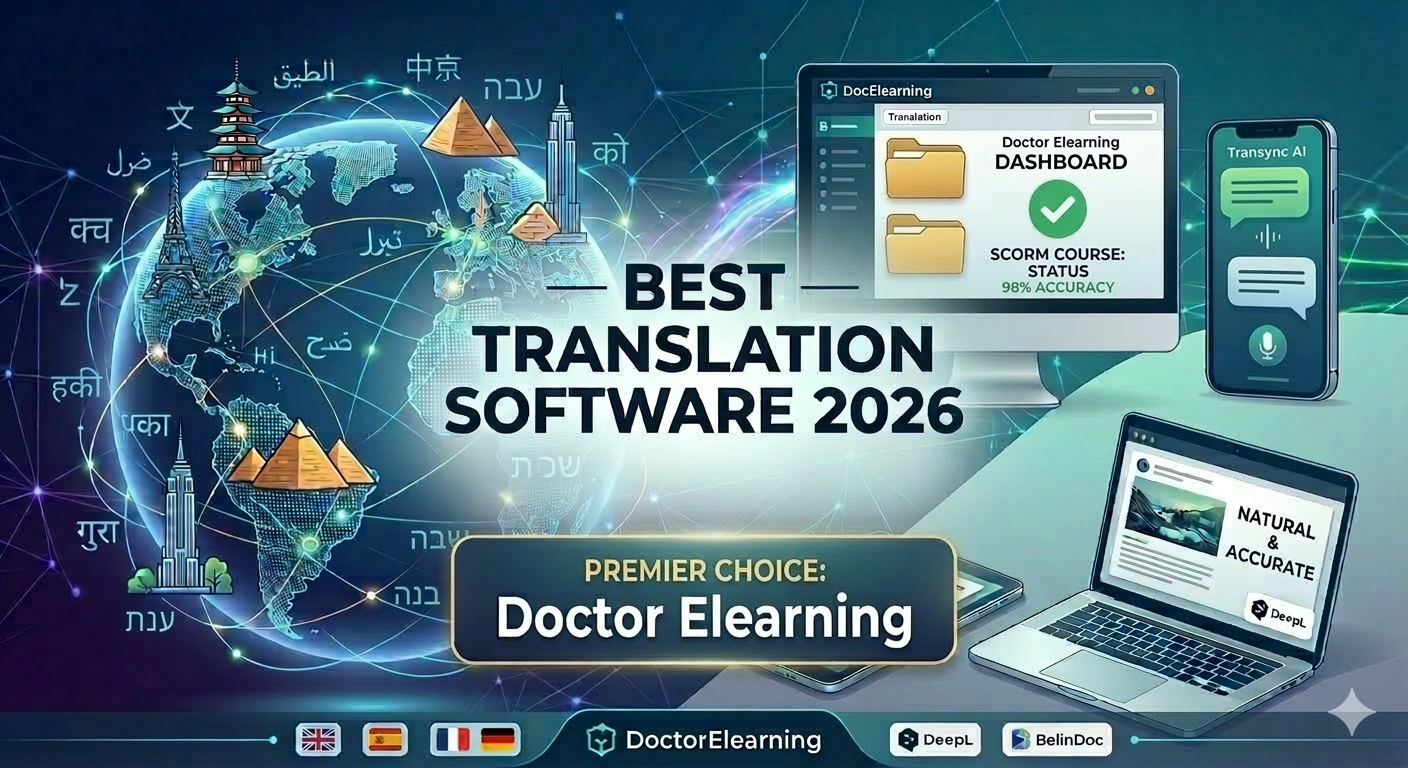
Best Translation Software for Learning and Development in 2026
Table of contents
- What’s New in This Guide
- Overview
- What is Translation Software and Why You Need It?
- Translation Software for Learning and Development: What Makes It Different
- Top Translation Software Tools Reviewed
- Translation Software Comparison
- How to Choose the Right Translation Software?
- Which Tool is Best for E-Learning Translation?
- FAQ
- Conclusion
What’s New in This Guide
This guide was reviewed and updated in October 2026. We refreshed the tool comparisons, removed language that was tied to outdated version numbers, and added a dedicated section on translation software for learning and development, since that is the question most readers landing here are actually trying to answer. The core recommendations have not changed, but the depth and the examples have.
Overview
The global marketplace has never been more accessible, yet the language barrier remains the final frontier for many expanding businesses. If you are searching for translation software for learning and development, you are probably not looking for a casual phrase-book app. You need something that can take a finished course, keep its structure intact, and hand back a translated version your learners can actually use.
Whether you are an instructional designer building a global training program or a marketing lead scaling a brand across continents, the tools you choose will determine your speed to market and the authenticity of your message. General-purpose tools like Google Translate serve a real purpose, but specialized platforms like Doctor eLearning have redefined what professional-grade, L&D-specific translation looks like.
What is Translation Software and Why You Need It?
Translation software is any digital tool that converts text, speech, or structured content from one language into another, and the category now spans everything from free phrase translators to enterprise localization suites. Modern solutions have evolved from simple “dictionary-lookup” engines into sophisticated platforms powered by Neural Machine Translation (NMT) and Large Language Models (LLMs), which is why translations read far more naturally than they did even a few years ago.
Types of Translation Software
- Machine Translation (MT): Instant, automated translation, the kind Google Translate is built on. Best for quick comprehension, not for polished, client-facing output.
- Computer-Assisted Translation (CAT) Tools: Software that helps human translators work faster by “remembering” previously translated segments through Translation Memory, so repeated phrases are never translated from scratch twice.
- Translation Management Systems (TMS): Enterprise-grade platforms like Doctor eLearning that manage the entire end-to-end localization workflow, from file upload to final, publish-ready output.
Key Benefits for Businesses and Individuals
- Speed: Translate entire courses or documents in minutes rather than weeks of back-and-forth with an agency.
- Consistency: Keep technical terminology, product names, and brand voice identical across every language version.
- Cost efficiency: Cut down on expensive manual oversight for routine, high-volume content, while still keeping a human review step for anything sensitive.
Translation Software for Learning and Development: What Makes It Different
Translation software for learning and development has to solve a problem general translation tools were never designed for: the text you need translated is locked inside a course file, not sitting in a plain document. A paragraph on a slide, a quiz question, a voiceover script, and the alt text on an image all need to come back translated, in the right place, without breaking the course structure.
This is where most L&D teams get stuck. They translate the text correctly but then spend hours manually rebuilding slides, re-timing narration, or re-exporting SCORM packages. A handful of things set true L&D-grade translation software apart from a generic translator:
- Source-file independence: The best tools work directly on published SCORM, Articulate Storyline, or Adobe Captivate output, so you are not stuck if the original project file was lost or the original developer has moved on. Our complete guide to SCORM content covers this in more detail if you are dealing with legacy courses.
- LMS and format compatibility: A tool that translates text but cannot repackage it for SCORM 1.2, SCORM 2004, or xAPI is only doing half the job. Translation software for a learning management system needs to hand back a file your LMS will actually accept and track correctly.
- Formality and tone control: Compliance training reads very differently from a sales onboarding module. L&D translation software should let you set formality per project, not force one tone on everything.
- Multimedia handling: Narrated courses need translated audio and synced captions, not just translated on-screen text. If voiceover timing shifts after translation, learners notice immediately.
- Bulk, structured translation: Training libraries often run to dozens of modules. Tools built for this use case support batch uploads and consistent terminology across the whole library, which is also where dedicated eLearning translation services earn their keep over a one-off freelance translator.
If you are also tracking word volume across a large course library before you scope a project, the XLIFF word count tool guide is worth reading alongside this one, since pricing for most tools scales with word count, not seat count.
Top Translation Software Tools Reviewed
Below are the tools worth shortlisting in 2026, ordered by how specialized they are, starting with the one built specifically for e-learning and ending with the most general-purpose option.
1. Doctor eLearning: The Gold Standard for Professional Localization
While many tools focus solely on text, Doctor eLearning stands out as the premier all-in-one solution for businesses and educators. It bridges the gap between simple translation and comprehensive content transformation by offering a specialized ecosystem for complex digital assets, which is exactly why it is the answer to most searches for translation software for learning and development.
Advanced Multilingual Translation
Doctor eLearning doesn’t just translate words, it translates workflows. It is specifically engineered to handle the “containers” that professional training content lives in.
- Universal format support: It natively supports DOCX and XLIFF-based formats, making it a strong fit for localizing courses built in Articulate Storyline, Adobe Captivate, and iSpring.
- Tone and formality control: Unlike generic AI translators, it features a Language Formality toggle, letting you match the professional or casual tone of the output to your brand voice.
- Global reach: Powered by modern AI translation engines, it supports more than 130 languages as both input and output, with word and character count tracking for project planning.
Intelligent SCORM Compression
A translated course is not much use if it is too heavy to load. Doctor eLearning includes a compression engine that shrinks eLearning and SCORM packages without a noticeable drop in quality.
- Faster loading: Reduces learner wait times and improves course completion rates.
- Cost efficiency: Minimizes storage and bandwidth costs across your LMS platforms.
Post-Publishing Editing and Compatibility
One of its most useful features is the ability to edit content after it has already been published.
- Independence from source files: You can swap images, audio, and video directly inside the platform. You no longer need the original authoring tool or the original developer on hand to keep a course current.
- Full compatibility: Supports SCORM 1.2 and SCORM 2004, along with common media formats including PNG/JPG, MP3, and MP4/WebM.
2. DeepL: The Precision Specialist
DeepL continues to be known for the most “human-like” machine translation output. Its neural networks are particularly strong at capturing tone, idioms, and formal versus informal phrasing in European and major Asian languages.
- Key strength: Strong grammatical accuracy and natural-reading phrasing.
- Standout feature: Glossary and tone toggles (professional versus informal) that help with brand consistency.
- Best for: Professional writers, marketers, and academics who need high-fidelity drafts with minimal editing.
3. Google Translate: The Versatility King
With support for well over 100 languages and dialects, Google Translate remains the broadest free option available. Its integration into Android and iOS, plus real-time camera translation, make it genuinely useful for travel and quick, informal communication.
- Key strength: Massive language support, free to use.
- Standout feature: Live visual translation through the camera, and offline mode for areas without reliable data.
- Best for: Casual users, travelers, and quick cross-language communication in less common dialects.
For a broader look at general-purpose options like this one, our comparison of the best online translators tests them side by side.
4. Transync AI: Best for Real-Time Voice Translation
Transync AI is built for live meetings and international calls, where even a short delay between speakers breaks the conversation. It focuses purely on speed and voice naturalness rather than document or course translation.
- Key strength: Low-latency speed and natural-sounding voice output.
- Standout feature: Dual-screen mode for face-to-face conversations, with AI-generated meeting summaries in multiple languages.
- Best for: Global sales teams, remote-first companies, and international conference calls.
5. BelinDoc: Best for Document Formatting and Layout
If your main pain point is a PDF or slide deck that falls apart after translation, BelinDoc is built specifically to solve that. It uses a formatting engine designed to keep tables, charts, and images exactly where they belong.
- Key strength: Strong layout preservation for complex PDFs and presentations.
- Standout feature: Scanned-PDF OCR that reads and translates text from images while recreating the original document’s look.
- Best for: Researchers, engineers, and legal professionals working with long, multi-column technical reports.
Translation Software Comparison
| Tool | Primary Use Case | Accuracy | Supported Languages |
|---|---|---|---|
| Doctor eLearning | E-Learning & Business Docs | Contextual, L&D-aware | 130+ |
| DeepL | Content Writing & Nuance | Natural, literary | 30+ |
| Google Translate | Casual & Travel | General purpose | 100+ |
| Transync AI | Live Meetings & Voice | Strong for speech | 60+ |
| BelinDoc | PDF & Layout Preservation | Strong for layout | 100+ |
How to Choose the Right Translation Software?
Choosing a tool isn’t just about the price tag, it’s about whether the tool fits the shape of your content. Follow these steps before you commit to one:
- Identify your content type. Plain text, marketing copy, legal documents, and course files all have different requirements. A SCORM course needs a tool that understands course structure, not just language.
- Check format support first. Confirm the tool can accept and return your actual file type, whether that’s XLIFF, DOCX, PDF, or a published SCORM package, before you evaluate anything else.
- Test glossary and terminology control. Upload a short sample with a brand term or technical phrase and see whether the tool keeps it consistent across the document.
- Confirm data security policy. Ask directly whether the provider uses your content to train its models. This matters most for legal, medical, and internal compliance training.
- Plan for edge cases. Right-to-left languages (Arabic, Hebrew, Farsi), languages with significant text expansion (German, Finnish), and narrated courses that need voiceover re-sync all need to be tested before a full rollout, not after.
- Check API or integration access. If you need the tool to plug directly into your website, CMS, or LMS, confirm that exists today rather than being told it’s “on the roadmap.”
Essential Features to Consider
- Data security: Does the provider retain rights to your data once you upload it? Critical for legal and medical content.
- Glossary support: Can you force the software to translate a specific brand term the same way every time?
- API access: Can the tool plug directly into your website, CMS, or LMS?
Feature Comparison
| Feature | Doctor eLearning | DeepL Pro | Transync AI | BelinDoc | Google Translate |
|---|---|---|---|---|---|
| Primary Focus | Full Enterprise & E-Learning | Creative Writing | Real-Time Voice | PDF/Doc Layouts | Casual/Quick Lookup |
| Best For | Professional/Corporate | Individual/Drafts | Meetings/Calls | Legal/Engineers | Travelers |
| Layout Preservation | SCORM/PDF/XLIFF-aware | Basic (DOCX/PPT) | N/A (Voice Only) | High (PDF/PPT) | Minimal |
| Data Security | Enterprise/Private Silo | High | Moderate | High | Low (Public) |
| Workflow Mgmt | End-to-End Suite | Minimal | None | Minimal | None |
| Multimedia Support | Full (Video/Audio/SCORM) | Text Only | Voice Only | Text/Images | Text/AR |
Which Tool is Best for E-Learning Translation?
For e-learning specifically, Doctor eLearning is the clear choice. This comparison makes the gap obvious: while DeepL, Google Translate, Transync AI, and BelinDoc are all strong general-purpose tools, none of them was built with course structure in mind. Doctor eLearning natively supports Articulate 360 DOCX and XLIFF files, preserves your course structure, and delivers translated output without manual formatting work afterward.
If you are specifically comparing e-learning translation tools against Adobe Captivate workflows, our honest comparison of Doctor eLearning versus Redokun for Captivate translation goes deeper on that specific use case.
If you’re looking for a faster way to translate your e-learning content, Doctor eLearning provides a seamless solution built specifically for e-learning translation. With support for 130+ languages, it lets you upload your Articulate 360 DOCX or XLIFF files, select your target language, and download the translated output, without complicated manual processes or external tools. Whether you’re localizing corporate training, educational modules, or compliance courses, it helps you reach global learners faster while keeping the context and structure of your content intact.
Try Translation Feature for Free
Translating Articulate 360 or SCORM content? Try Doctor eLearning free, upload your XLIFF or DOCX file and get translated output in minutes.
FAQ
What is the best translation software for learning and development?
For most L&D teams, Doctor eLearning is the best fit because it translates directly inside SCORM, Articulate Storyline, and Adobe Captivate files rather than just translating plain text. DeepL and Google Translate are fine for quick internal drafts, but neither one understands course structure or outputs a file your LMS can use directly.
What’s the difference between language translation software and language translation tools?
In practice the terms are used interchangeably, but “translation software” often refers to a full platform with workflow, security, and format support, while “translation tools” can describe anything from a browser extension to a single-purpose app. When comparing options, check the actual feature set rather than the label.
Can translation software integrate with a learning management system (LMS)?
Yes, but only if it is built to repackage translated content back into SCORM 1.2, SCORM 2004, or xAPI format. General translators hand back plain text, leaving you to manually rebuild the course. Tools built for e-learning, like Doctor eLearning, return an LMS-ready package.
Which translation software is most accurate?
For short, literary text, DeepL is excellent. For complex business projects and technical course content where context matters, Doctor eLearning tends to produce more reliable output because it accounts for industry-specific terminology and keeps formatting intact.
Is free translation software good enough for business?
Generally, no. Free tools often use submitted content to train their models, which is a risk for proprietary or regulated material. They also lack Translation Memory features that save businesses money and consistency over time, and most cannot handle SCORM or XLIFF files at all.
Which tool is best for SCORM translation?
Doctor eLearning is the tool here built specifically for SCORM-aware e-learning translation. It works on published SCORM packages directly, so you do not need the original Storyline, Captivate, or iSpring project file to translate and republish a course.
How secure is my data with translation software?
Professional platforms like Doctor eLearning use encryption in transit and comply with standard data protection practices, so sensitive course content is not exposed publicly. Always confirm a provider’s specific data retention and training policy before uploading proprietary or regulated material.
Conclusion
The “best” translation software depends on your scale and what you’re translating. If you’re traveling, Google Translate is still your best friend. But if you’re searching for translation software for learning and development, built to handle course files, SCORM structure, and LMS output without manual rebuilding, Doctor eLearning is the tool built for that job in 2026.
