What Our Product Provides?

XLIFF Export from Lectora
Extract every translatable string from your Lectora course into a standards-compliant XLIFF file — quiz text, captions, button labels, feedback, and all page content — ready for any TMS or AI tool.

Universal XLIFF Support
Compatible with major Elearning Authoring tools like Articulate 360, Adobe Captivate, iSpring, Lectora etc. Fully Supports XLIFF 1.2 to XLIFF 2.2 files.Seamless upload with word count etc.

Advanced Translation Engines
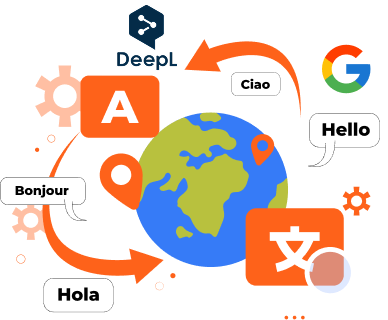
Powered by Google Translate DeepL translation integration AI-driven, context-aware translations Preserves original formatting and course structure
