-
Vyond Videos Compressed 12x
•
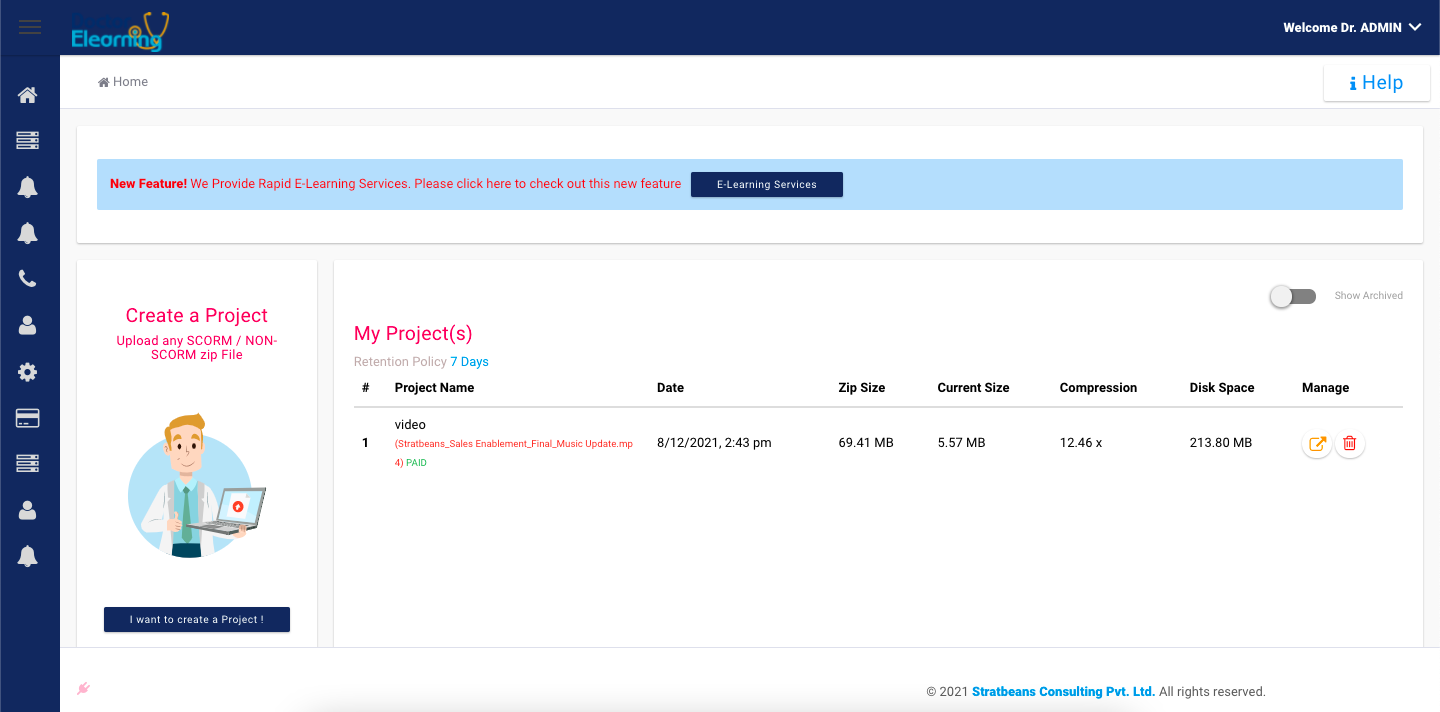
Vyond Videos Compressed 12x,witness the true power of Doctor Elearning Compression as a zip file of video made in Vyond of 69.41 MB is compressed to 5.57 MB The video after compression remained beautifully intact in terms of quality after making a high quality video with lots of sprinkles of creativity you dont need…
-
Rapid E-Learning Services / Development
•
Doctor Elearning’s service team converts PPT to SCORM in 1 day. Rapid E-Learning Services / Development Create L1, L2, L3, Gamified Learnings. You provide PPT and our team converts it into SCORM. You provide the inputs and complete delivery of SCORM – L1, L2, L3, Gamified undertaken. Many time, people dont have tools to convert PPT to…
-

How to drastically compress size of published SCORM E-learning
•
If you are looking for the answer to “How to compress size of published scorm elearning”, this is the article for you. Reducing Size of Published Elearning / SCORM is now easy for more info you can read through or jump to the video in the end which shows you the process of getting…
-
Free Storyline Templates
•
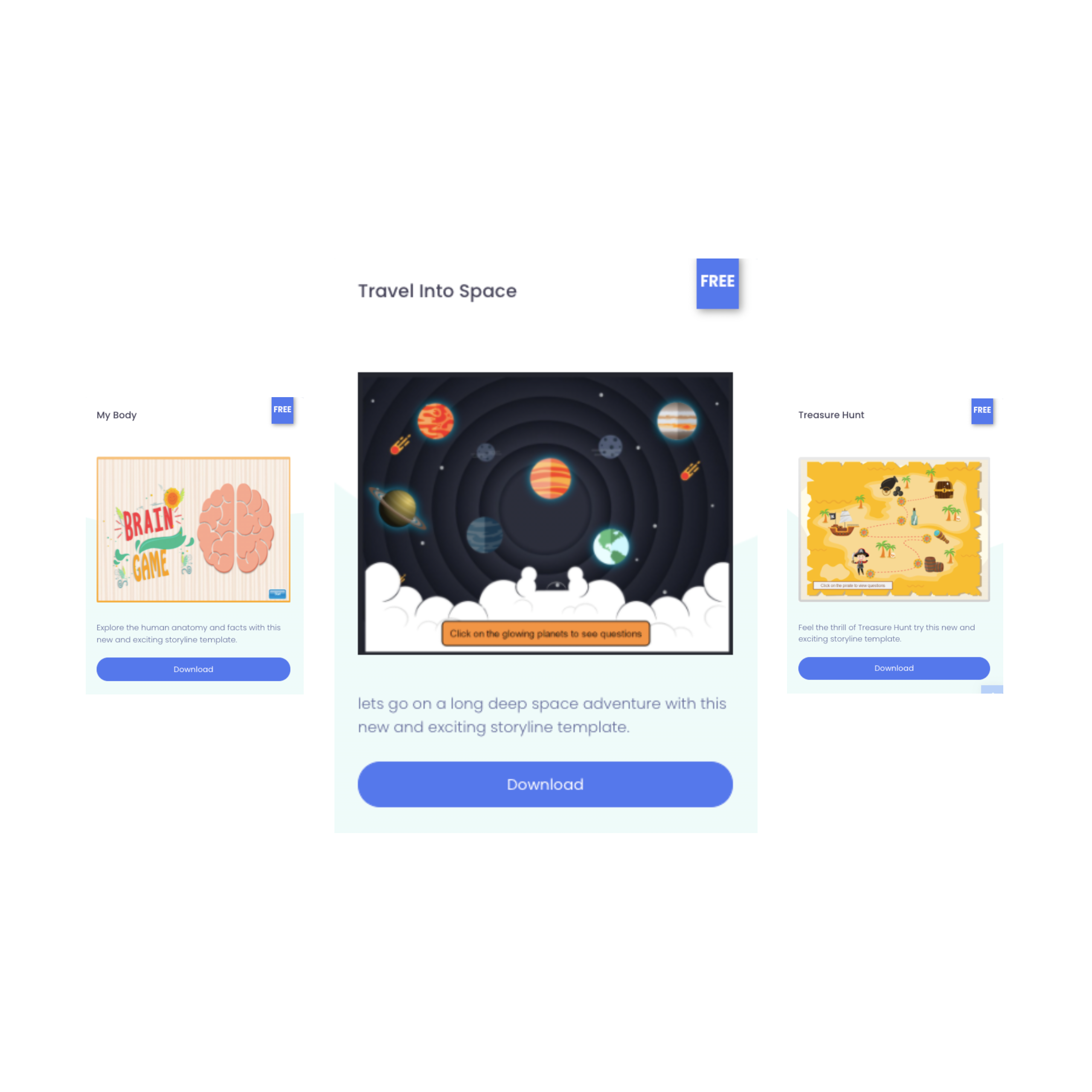
Explore the world of seamless e-learning creation with Doctor Elearning’s collection of complimentary Articulate Storyline templates. Elevate your projects by crafting interactive and sophisticated slides for your e-learning endeavors swiftly – Doctor Elearning stands as the ultimate haven for e-learning professionals. Unleash your creativity and efficiency by tapping into our vast library of fully…
-

Rescuing your Media file and Audio Transcripts from Published SCORM Zip File
•
Rescuing your Media file and Audio Transcripts from Published SCORM Zip File is now easy with Doctor Elearning. The Elearning Developer’s Nightmare It may happen that a you lost your authoring tool file and all the work done is gone because of reasons like a hard disk crash or any other bizarre accident. The…
-

Modifying / Editing Published E-learnings SCORM without Source Code
•
Modifying / Editing Published E-learnings SCORM without Source Code is a very powerful and life saver feature of Doctor E-learning tool. Case 1 : Legacy SCORM image to be changed We had compliance team of our customers calling up, to requesting to modify the legacy SCORM. As the board members image in the E-learnings…
-
Project Dashboard
•
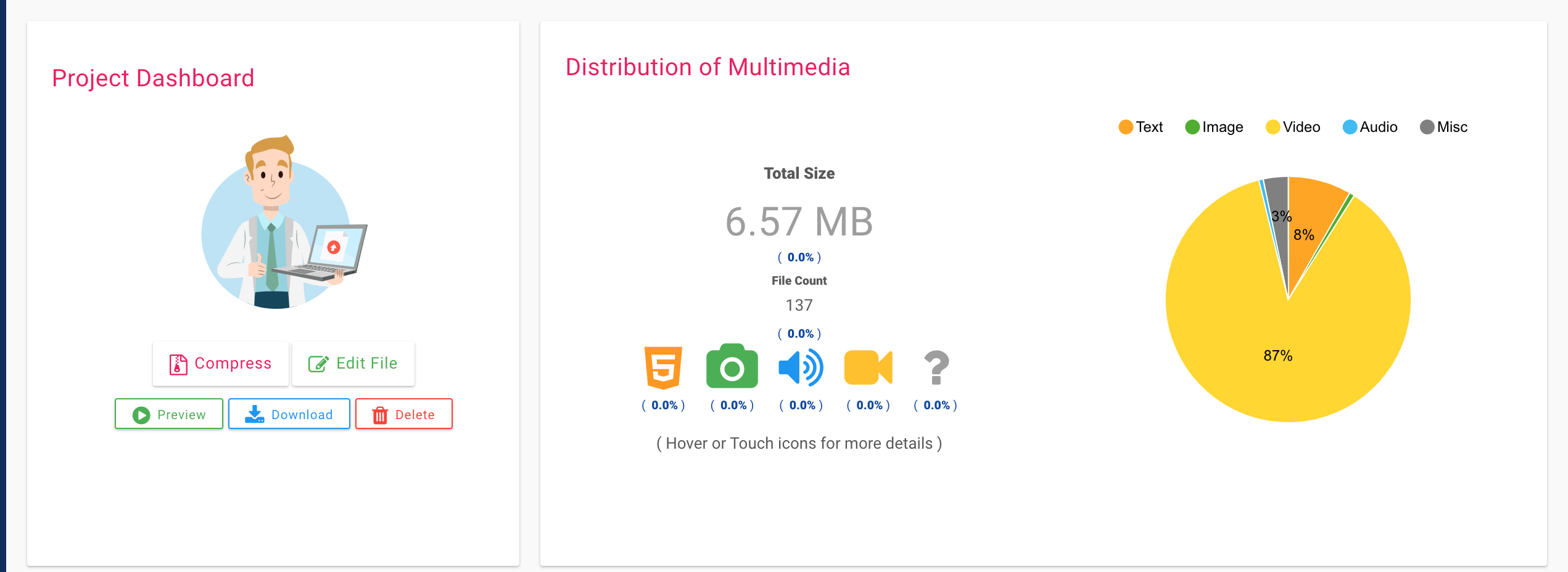
What is a project dashboard Project dashboard allows you to run operations on your zip file, like compressing them into smaller size or editing a certain file in it. Project Dashboard Card On left side we see a card for Project Dashboard which has these options Big buttons Compress : It you would be…
-
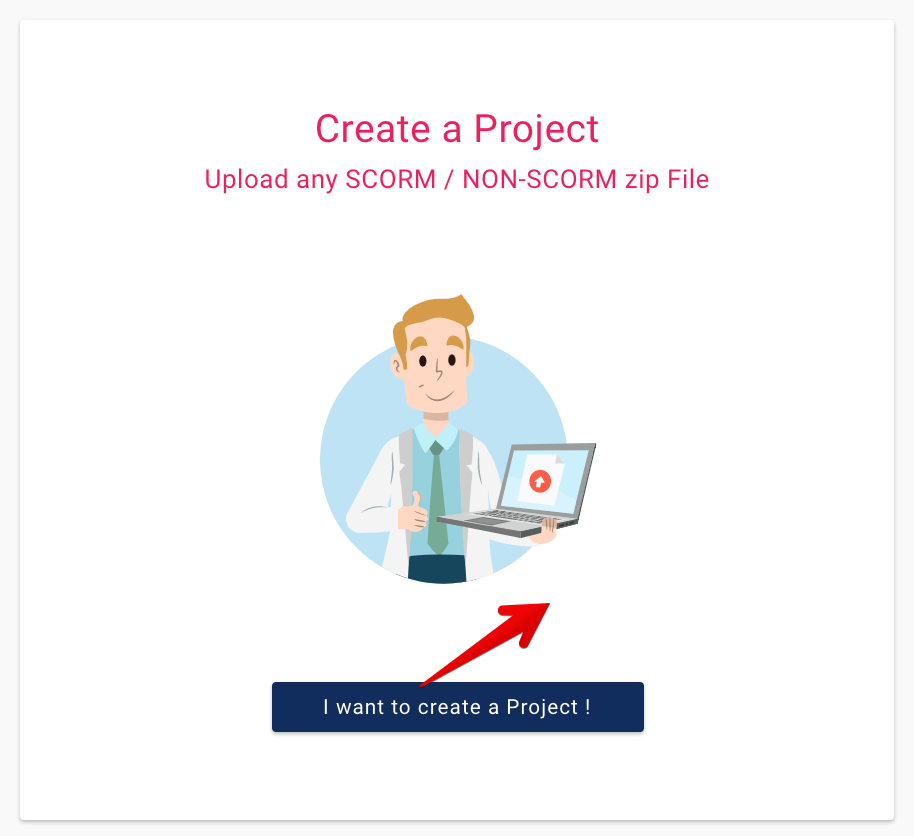
Create a Project
•
Why to create a project A user can upload his elearning zip file and create a project. Which then enables him to run operations like compression, editing etc. Creating a project 1 Click on “I want to create a Project” button 2a In the upload box, provide a name to your project. A good…
